
Description
Product Introduction
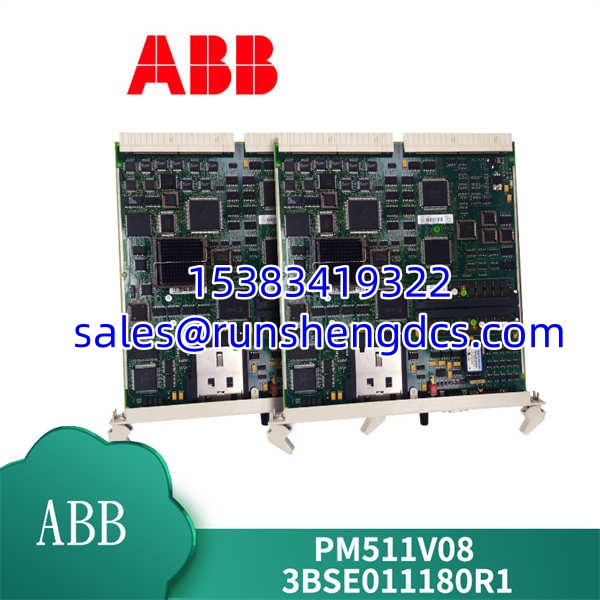
When a redundant controller pair needs a replacement, the PM511V08 is the specific board you call for. It sits in the AC 800M lineup as the standard, non-redundant CPU, designed for smaller applications or as the secondary CPU in a high-availability pair.
Compared to the entry-level PM510, the PM511V08 pulls ahead with 16 MB of RAM and a second serial port. Honestly, the extra COM port is a lifesaver when you need to connect a legacy device and a modem simultaneously without adding a separate communication module. It handles the standard Control Builder M programming environment without issue.
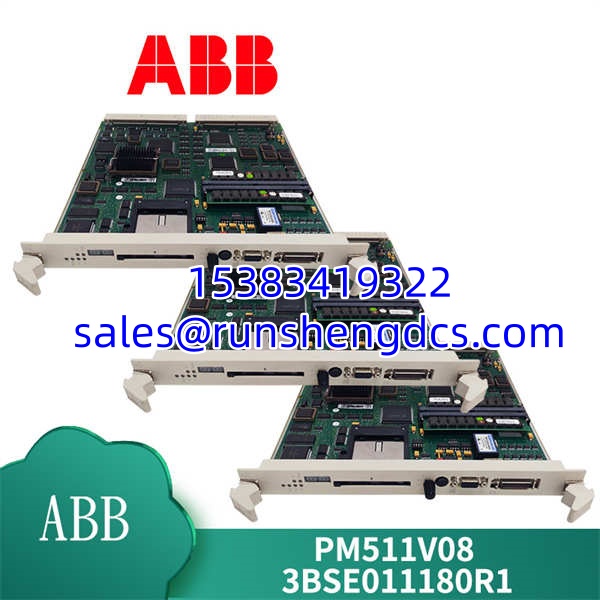
ABB-PM511V08
Key Technical Specifications
| Parameter | Value |
|---|---|
| Processor | Motorola 68040 (32-bit) |
| RAM | 16 MB |
| Flash Memory | 8 MB |
| Ethernet Port | 1x 10Base-T (CN1) |
| Serial Ports | 2x RS232 (COM3, COM4) |
| CEX Bus | Integrated (for S800 I/O) |
| Status Indicators | Run, Error, Primary/Secondary |
| Power Supply | 5.2 V DC (from baseboard) |
| Current Consumption | approx. 1.2 A |
| Dimensions | 133 x 28 x 210 mm |
| Weight | approx. 0.4 kg |
| Operating Temp | 0 to +60 °C |
Compatibility & Replacement Matrix
- PM511V08 → PM511V16 : Direct — The V16 is the high-memory version (32 MB RAM). It is fully backward compatible and often preferred for larger logic programs.
- PM511V08 → PM510V08 : Downgrade — The PM510 only has 8 MB RAM and one serial port. Do not swap a V08 for a PM510 if your application uses the second COM port.
- PM511V08 → PM511V08 3BSE011181R1 : Direct — This is the specific catalog number for the V08 hardware revision.
- → PM866 : Incompatible — The PM866 is a high-performance processor with different firmware and memory architecture.
Quality Inspection & SOP Transparency
We don’t just look at the box. When a arrives, we pull it from the anti-static bag and check the serial number against the ABB manufacturing database to ensure it’s not a ghost unit. We look for yellowing on the PCB—a sign of heat stress—and verify the battery holder isn’t corroded.
Then, we slide it into a live AC 800M rack (TP830 baseplate). We watch the boot sequence: the ‘Init’ LED should flash, then the ‘Run’ LED goes solid green. If it stays red, it’s dead on arrival. We connect to the CN1 Ethernet port and ping the default IP to verify the TCP/IP stack is alive. Finally, we download a dummy project from Control Builder M to ensure the flash memory is writable. If it passes the download and goes to ‘Online’, it gets a QC Passed sticker.
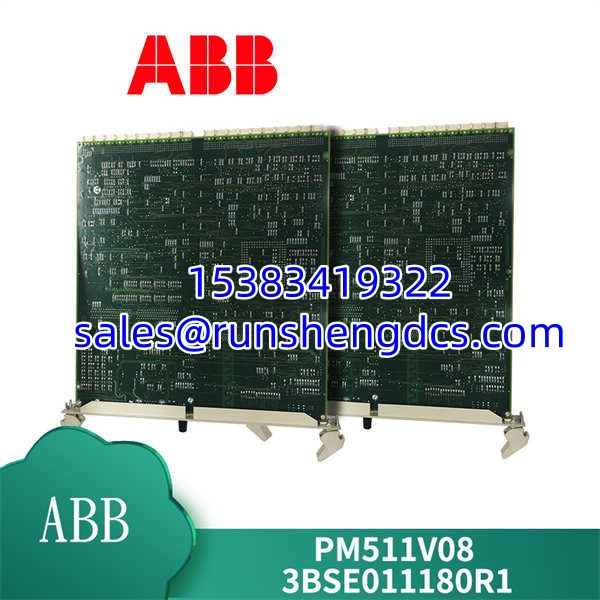
ABB-PM511V08
Common Replacement Pitfalls
- Firmware Version Mismatch — This is the big one. If your system is running AC 800M firmware v4.1 and you install a with v5.0 firmware, the controller might refuse to sync with the other modules. Always check the firmware version on your existing primary CPU before ordering. You can downgrade firmware, but it’s a headache involving a memory reset.
- DIP Switch Settings — The has a small DIP switch block for the CEX bus address. If you move the module to a different slot or replace a unit, the switches must match the slot configuration exactly. If they don’t, the I/O modules won’t talk to the CPU. Take a photo of the old module’s switches before you pull it out.
- Battery Voltage — The uses a battery to keep the SRAM alive during power-off. If the battery is flat (below 3.0V), you will lose your retentive data. We test this with a multimeter across the battery terminals. If it’s low, replace the battery (ABB Part No. 3BSE008508R1) immediately.
- Serial Port Termination — If you are using COM3 or COM4 for Modbus RTU, ensure the termination resistors are set correctly on the connected devices. The doesn’t have internal termination switches for these ports; it relies on the external wiring.
- Baseplate Compatibility — The fits the TU515 or TU516 baseplates. It will not fit the TU810 or TU814 baseplates designed for S800 I/O modules. Make sure you are plugging it into the correct CPU slot.
FAQ
Can I just swap this in directly?
Physically, yes. Logically, maybe not. If the firmware versions match, the project will download, and you are good to go. If the firmware is newer on the replacement, you might need to do a “Cold Start” or download the firmware from your engineering station. Always backup your project first.
My system runs AC 800M V5.1 — will this module work?
Yes, but you need to check the hardware revision. The is quite old. While it supports firmware up to V6.0, the later hardware revisions (Rev K and up) are more stable with V5.1+. If you buy an old stock unit (Rev A), it might struggle with the newer stack. We test all our units on a V5.1 bench to be sure.
It comes down to memory. The V08 has 16 MB of RAM, while the V16 has 32 MB.
- Good for < 1000 I/O points.
- PM511V16: Required for > 1000 I/O points or complex DCS applications.
Electrically, they are identical. You can swap a V08 for a V16 without changing the wiring.
Does this module support redundancy?
No, the is a non-redundant CPU. If you need a redundant pair, you need two modules installed in a redundant baseplate (TU515R) and configured as Primary/Secondary in the hardware tree. However, for true high availability, most engineers prefer the PM511V16 or PM510V16 for the extra memory headroom during switchover.
How do I reset the IP address?
There is a small ‘Reset’ button on the faceplate.
- Power down the module.
- Hold the Reset button.
- Power up the module while holding the button.
- Wait for the ‘Init’ LED to flash rapidly.
- Release the button.
The IP address will revert to the default (usually 192.168.0.100), and you can reconfigure it in Control Builder M.