
Description
Key Technical Specifications
- Product Family: Triconex Tricon (TMR Architecture)
- Primary Function: External Network & Engineering Interface
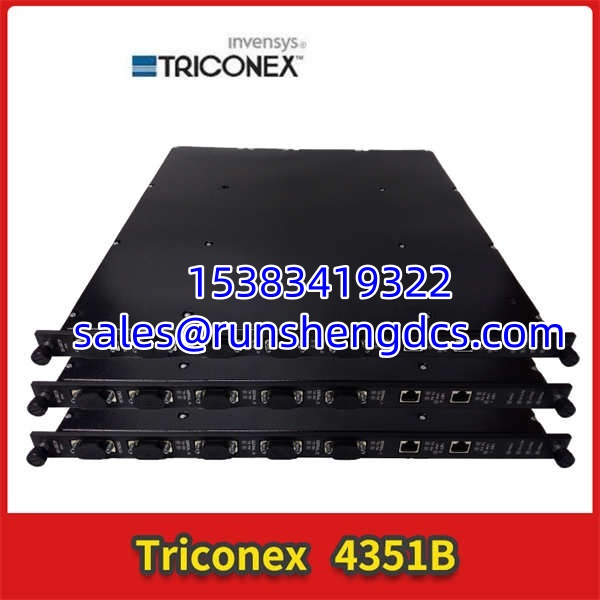
- Ethernet Ports: 2x 10/100BaseT RJ-45 (Copper)
- Serial Ports: 4x RS-232 / RS-485 (DB-9 Connectors)
- Supported Protocols: TriStation 1131, Modbus TCP/RTU, TCP/IP, ICMP, SNTP
- Port Isolation: 500 VDC (Channel-to-Channel / Channel-to-Backplane)
- Data Rate: 10/100 Mbps Auto-Negotiation (Ethernet), Up to 115.2 Kbps (Serial)
- Safety Integrity: SIL 3 Capable (As part of TMR System)
- Power Supply: 24V DC (Derived from Backplane)
- Diagnostics: Link, TX, RX, Pass, Fault, Active LEDs
Product Introduction
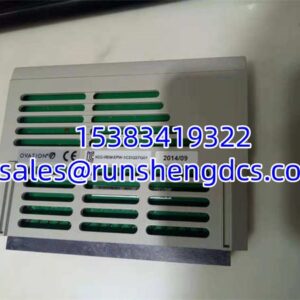
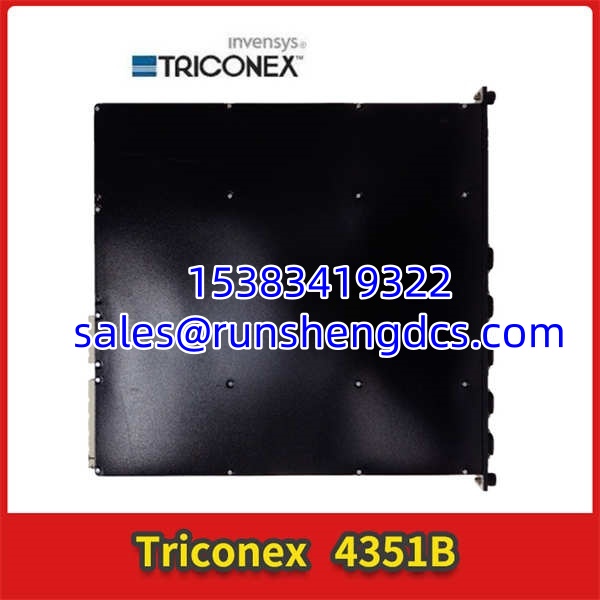
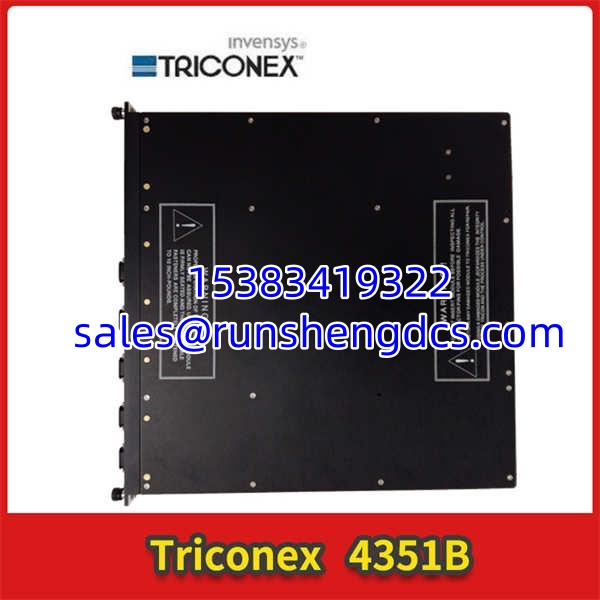
Control room goes dark. HMI freezes. The TRICONEX 4351B is the lifeline. It’s the communication module sitting in the Tricon rack, translating safety logic into Modbus for the DCS, TriStation for the engineering laptop, and SNTP for time sync. When this card dies, you’re blind. You can’t monitor, you can’t download, you can’t acknowledge alarms. The safety logic keeps running in the background, but without this card, you’re flying solo.
Why does this specific 4351B matter? Because it’s the single point of failure for visibility. It’s got 2 Ethernet ports and 4 serial ports, all isolated at 500VDC to keep field noise from frying the backplane. Honestly, the most common failure isn’t the silicon—it’s the RJ-45 jacks getting corroded or the DB-9 pins getting bent during frantic 3 AM troubleshooting. Just verify the firmware. A 4351B with v8.4 firmware won’t talk to a TriStation 1131 v9.2 workstation. Mismatched comms = wasted downtime.
Troubleshooting Quick Reference
| Fault | Probable Cause | Relevancy | Quick Check | Fix |
|---|---|---|---|---|
| No Link LED | Cable / Switch Port | 40% | Swap Ethernet cable; check switch port | Verify auto-negotiation; test with known-good cable |
| Modbus Timeout | Config / Address | 25% | Check IP, Subnet, Gateway in TriStation | Verify Modbus slave ID matches DCS config |
| Serial Comm Fail | Wiring / Baud Rate | 15% | Measure voltage on TX/RX pins | Confirm RS-232 vs RS-485 wiring; check baud rate |
| Intermittent Drops | Noise / Ground Loop | 10% | Measure AC voltage to ground on shield | Verify shield grounded at one end only |
| Module Fault LED | Firmware / Backplane | 5% | Check TriStation event log | Reseat module; verify firmware compatibility |
| Won’t Download | Security / License | 5% | Check TriStation security settings | Verify access level; check comm port selection |
Application Scenarios & Pain Points
- Refinery DCS Integration: Tricon ESD talking to Honeywell/Emerson DCS via Modbus TCP. Pain point: The 4351B’s Modbus implementation is old. It doesn’t support function code 23 (Read/Write Multiple Registers). You’re stuck with FC 01-06, 15-16. Plan your register mapping accordingly.
- Engineering Workstation Connectivity: Techs plugging laptops directly into the 4351B for downloads. Pain point: Laptop Ethernet auto-negotiation failing with the 4351B’s 10/100 port. Force 100Mbps Full Duplex on the laptop NIC if link won’t stabilize.
- Time Sync Issues: SNTP not syncing, causing timestamp mismatches in event logs. Pain point: The 4351B’s SNTP client is basic. It doesn’t support authentication or leap second handling. Use a local NTP server on the same subnet, not a public internet NTP.
TRICONEX 4351B
Compatible Replacement Models
- ✅ Drop-in Replacement: TRICONEX 4351B (Exact Match). Verify the suffix (4351B vs 4351A). The “B” revision has updated Ethernet PHYs and better ESD protection. Cost: Premium for tested units. Don’t mix A and B revisions in the same rack without checking backplane compatibility.
- ⚠️ Software Compatible: TRICONEX 4352B (Fiber Optic Version). Same functionality, but uses MT-RJ fiber ports instead of copper RJ-45. Requires fiber patch cables and SFP-compatible switch ports. No software changes needed, but physical infrastructure must support fiber. Budget 2-4 hours for cable routing.
- ❌ Hardware Incompatible: TRICONEX 4353/4354 (Enhanced Comm). Newer modules with embedded OPC servers and higher throughput. Same form factor, but different backplane handshake. Will cause “Module Type Mismatch” errors in TriStation. Do not substitute unless you’re doing a full system upgrade with OEM validation.