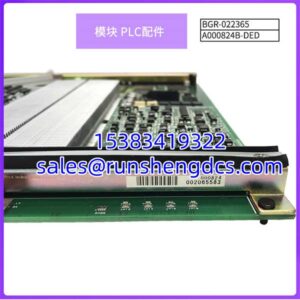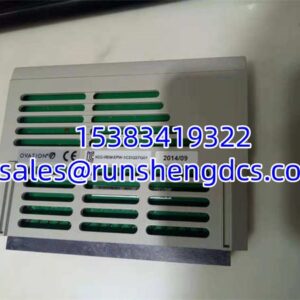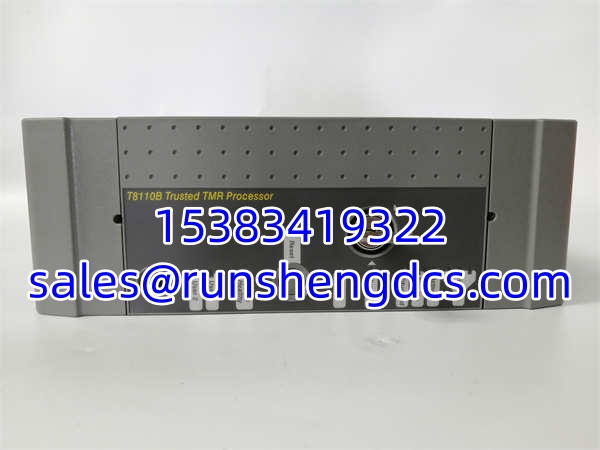
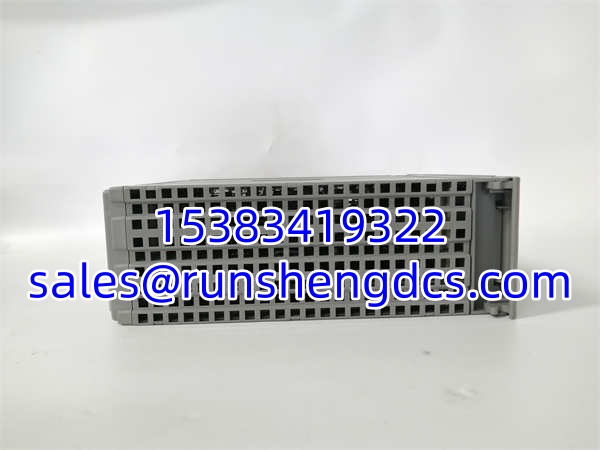

Description
Key Technical Specifications
| Parameter Name | Parameter Value |
|---|---|
| Product Model | ICS TRIPLEX T8110B |
| Manufacturer | ICS Triplex / Triconex |
| Product Category | Trusted TMR Processor |
| Redundancy | Triple Modular Redundant (TMR) |
| Safety Integrity | SIL 3 (IEC 61508) |
| Response Time | <10ms (Fast Response Mode) |
| Operating Temp | -40°C to +70°C |
| Communication | RS-232 Diag, RS-422/485, Ethernet |
| Time Sync | IRIG-B002 & 122 Signals |
| Programming | TriStation 1131 (IEC 61131-3) |
| Installation | Hot-Swappable Backplane Mount |
| Diagnostics | Front Panel LED Status Indicators |
Product Introduction
When a compressor is about to overspeed, you have milliseconds to react. The ICS TRIPLEX T8110B is the brain of the Trusted TMR system, running three independent processors in lockstep to vote on every single logic scan. I’ve seen these pull a plant through a catastrophic power dip where a single PLC would have tripped; the T8110B just kept voting and kept the process safe.
This isn’t a standard PLC. It’s a safety instrumented system (SIS) processor with hardware-implemented fault tolerance (HIFT). The ICS TRIPLEX T8110B handles everything from ESD logic to fire & gas detection, and it does it without nuisance trips. (I once had a junior tech try to “optimize” the scan time by bypassing the voter logic in simulation. The system flagged it as a fatal fault instantly. You don’t tweak the safety; you respect it.) Just make sure your firmware matches the rest of the rack, or you’ll spend hours chasing sync errors.
Quality SOP & Tech Pitfalls
The Lab Report:
We don’t just test for “it powers on.” Every ICS TRIPLEX T8110B gets a full TMR stress test. We simulate a processor failure and verify the remaining two vote correctly without a process upset. We check the IRIG-B time sync inputs and verify the RS-485 communication under load. We also inspect the backplane connectors for micro-fractures from years of thermal cycling. Function verified under test conditions.
The Engineer’s Warning:
The front panel LEDs on the ICS TRIPLEX T8110B are your only window into the TMR state. If the “Standby” LED is flashing red, you have a fatal fault in that processor. Do not ignore it. Also, never pull this module without verifying the “Hot Swap” procedure in TriStation 1131. I’ve seen a tech yank a “faulted” processor that was actually in the middle of a critical vote transfer, and he took down the entire safety system. Always check the software state first.
Installation & Configuration Guide
- Pre-Installation: ⚠️ Verify system is in “Safe” or “Bypass” mode if required. Check the firmware revision on the existing . Take a photo of the front panel LEDs and the backplane slot number.
- Removal: Release the extraction lever. Pull straight out. Do not force it; the TMR bus pins are precision-machined.
- Installation: Slide it in until the lever engages. Tighten the retaining screws.
- Power-On & Testing: Restore power. Watch the LEDs. The “Active” LED should be solid green. Open TriStation 1131 and verify the processor is in “Run” mode and voting correctly with its peers. Check the fault log for any historical errors.
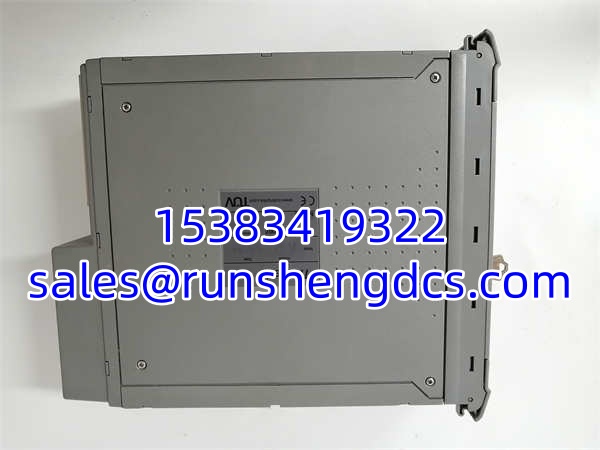
ICS TRIPLEX T8110B
Compatible Replacement Models
| Model | Compatibility Tier | Notes |
|---|---|---|
| ICS TRIPLEX | ✅ Drop-in Replacement | Exact match. Verify firmware revision matches your chassis. |
| ICS TRIPLEX T8110C | ⚠️ Software Compatible | Newer revision. May require TriStation 1131 update and logic recompile. Budget 2-4 hours. |
| ICS TRIPLEX T8111B | ❌ Hardware Mod Required | Enhanced version with different I/O mapping. Requires full system reconfiguration. Do not use for direct swap. |
Frequently Asked Questions
Can I hot-swap this processor while the safety system is active?
Yes, the Trusted TMR system is designed for hot-swapping. But “designed for” doesn’t mean “do it blindly.” Always verify the processor is in a faulted or standby state in TriStation 1131 first. If it’s the active voter, force a transfer to the standby processor before pulling it.
My has a flashing red “Standby” LED. Is it dead?
Not necessarily. A flashing red “Standby” LED means that specific processor has detected a fatal internal fault and has been isolated from the TMR vote. The system is still running on the other two processors. You need to pull the fault log in TriStation 1131 to diagnose the root cause before replacing.
Does this module support Ethernet natively?
The base has RS-232/485 for diagnostics and programming. For Ethernet, you typically need the T8151B or T8153 communication interface modules in adjacent slots. Don’t expect to plug an RJ45 directly into the processor and get Modbus TCP.
How do I know if the TMR vote is healthy?
In TriStation 1131, check the “System Health” screen. All three processors should show “Active” and “Voting.” If one shows “Faulted” or “Standby,” you’ve lost redundancy. The process is still safe, but you’re now running on a dual-system, which has different fault tolerance characteristics.
What programming software do I need?
TriStation 1131. Make sure your version supports the firmware revision. Older versions of TriStation might not recognize newer hardware revisions, and you won’t be able to download or monitor the logic.
Is this module SIL3 certified?
Yes. The is TÜV certified to IEC 61508 SIL 3. But remember, the certification applies to the entire TMR architecture, not just the single processor. You can’t claim SIL3 performance with only two processors voting. Always maintain the full triple redundancy.