
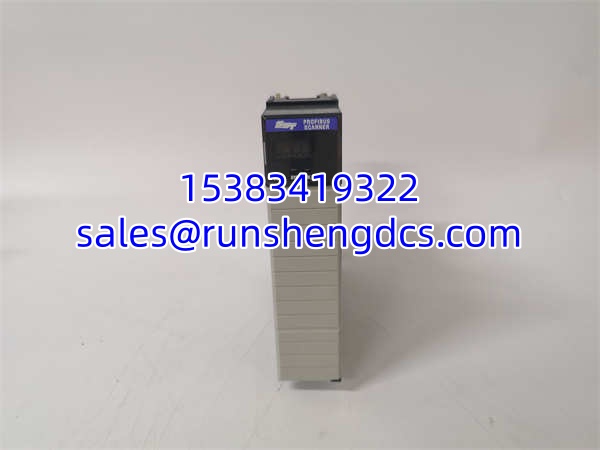
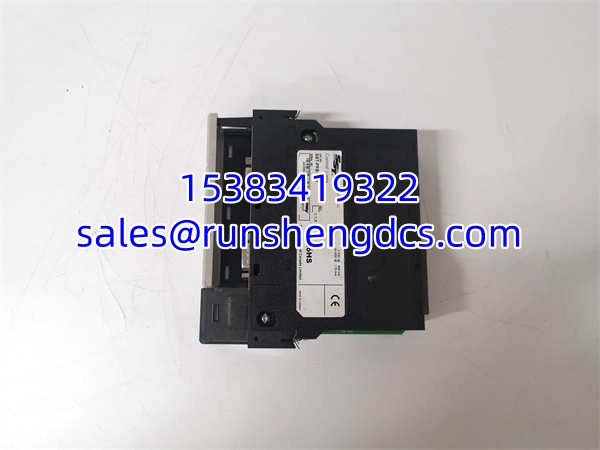

Description
Key Technical Specifications
- Product Type: PROFIBUS-DP communication module
- Model Family: SST-PB3-CLX
- Common Variant: SST-PB3-CLX-RLL
- Brand: Molex / Brad SST
- Host Platform: Rockwell Allen-Bradley ControlLogix
- Backplane Compatibility: Allen-Bradley 1756 chassis
- Network Protocol: PROFIBUS-DP
- Functional Mode: PROFIBUS-DP master and/or slave
- Physical Interface: DB9 female PROFIBUS connector
- Power Source: Powered from ControlLogix backplane
- Mounting: Single-slot ControlLogix module
- Operating Temperature: 0°C to 60°C
- Weight: Approximately 430 g
- Status Indication: Module status LEDs and LCD/indicator panel
- Software Integration: Uses an Added Instruction Profile / AOP with RSLogix 5000 / Studio 5000
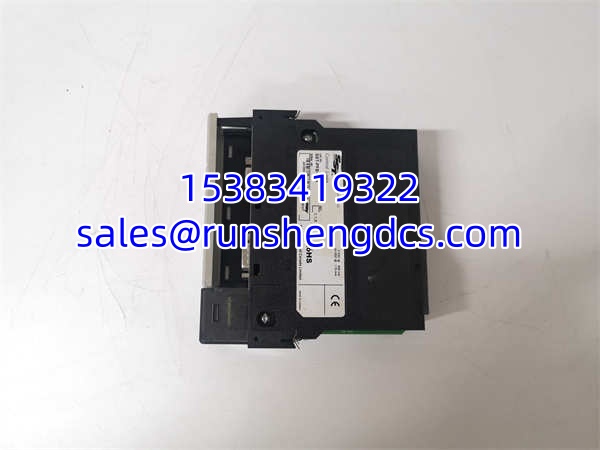
Product Introduction
A ControlLogix rack is humming, but half the skid is invisible because the PROFIBUS segment went dark. That is where SST-PB3-CLX earns its place. It sits in a 1756 backplane slot and bridges the Rockwell controller to PROFIBUS-DP field devices. Think of it as the translator between the CLX world and the PROFIBUS world.
The practical value is that it keeps legacy or mixed-vendor field hardware connected without ripping out the entire control system. It typically supports direct and paged data transfer, DP-V1 Class 1/2 services, and Sync/Freeze functions. For a plant with existing PROFIBUS instruments, drives, or remote I/O, this module is often the difference between a clean replacement and a full network redesign.
Troubleshooting Quick Reference
| Fault | Likely Cause | Quick Check | Fix |
|---|---|---|---|
| CLX rack does not recognize module | Module not seated, bad slot, missing AOP/profile | Check chassis tree in RSLogix/Studio 5000 | Reseat module; try another slot; verify AOP |
| PROFIBUS link shows no communication | Bus power missing, cable open, wrong termination | Measure bus voltage and check DP connector | Restore PROFIBUS power; check trunk/drop wiring |
| Intermittent faults | Loose DB9, EMI, poor shielding, bad terminator | Inspect connectors and shielding | Reseat DB9; improve shielding; verify termination |
| Devices not scanning | Wrong node IDs, GSD/EDS mismatch, config error | Compare project config with field device addresses | Correct node IDs; reload PROFIBUS config |
| Module LEDs show fault | Firmware, slot, or configuration mismatch | Read module diagnostics | Match firmware/revision; clear faults in project |
| Replacement fails after install | Different SST-PB3-CLX variant or firmware | Compare old and new nameplates | Use exact matching model and firmware family |
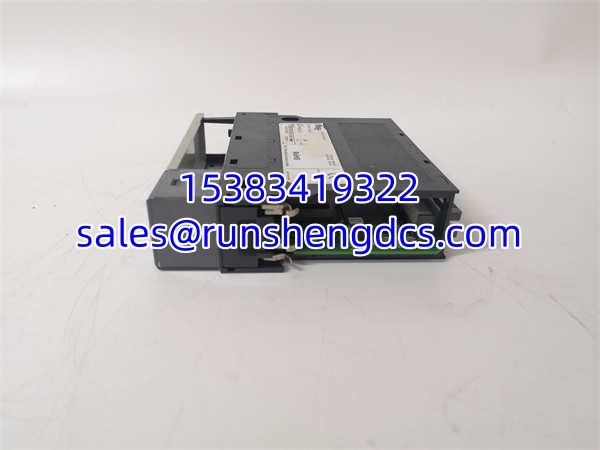
SST-PB3-CLX
Application Scenarios & Pain Points
- Mixed Rockwell/PROFIBUS plants: A ControlLogix system must talk to European or legacy PROFIBUS field devices. The pain is usually configuration, not hardware.
- Brownfield replacements: A failed communication card stops data flow to an entire skid. The real risk is installing a module with the wrong firmware or revision.
- Oil and gas / chemical / water plants: PROFIBUS segments often run through harsh areas. Intermittent faults are usually cable, termination, or grounding—not the module itself.
- Manufacturing lines with drives or remote I/O: If the SST-PB3-CLX fails, VFDs or remote I/O may appear dead even though the field devices are healthy.
- Spare-parts confusion: Listings sometimes mislabel this as “GE” or generic AB hardware. That is a red flag.




