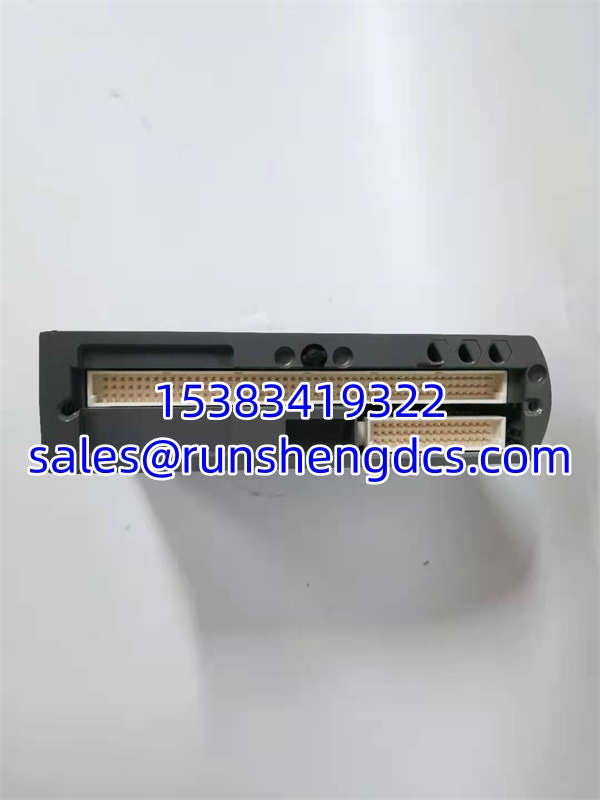

Description
Key Technical Specifications
- Safety Integrity Level: SIL 3 (IEC 61508 / IEC 61511)
- Architecture: Triple Modular Redundancy (TMR)
- Redundancy Type: Hot Standby with Automatic Switchover
- Switchover Time: < 100 ms
- Communication Protocols: Modbus TCP/IP, OPC UA (Optional), Profibus DP (Optional)
- Network Interface: Dual-Port Ethernet (10/100 Mbps Adaptive)
- Power Supply: 24V DC (±10%), Redundant Input Optional
- Power Consumption: ~8W (Full Load)
- Operating Temperature: -40°C to +70°C
- Configuration Software: Trusted Toolset™
- Certifications: TÜV, Exida, CE, UL
Product Introduction
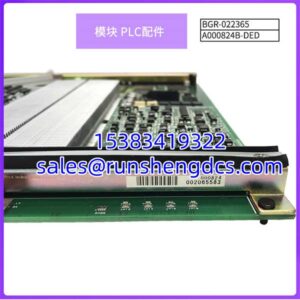
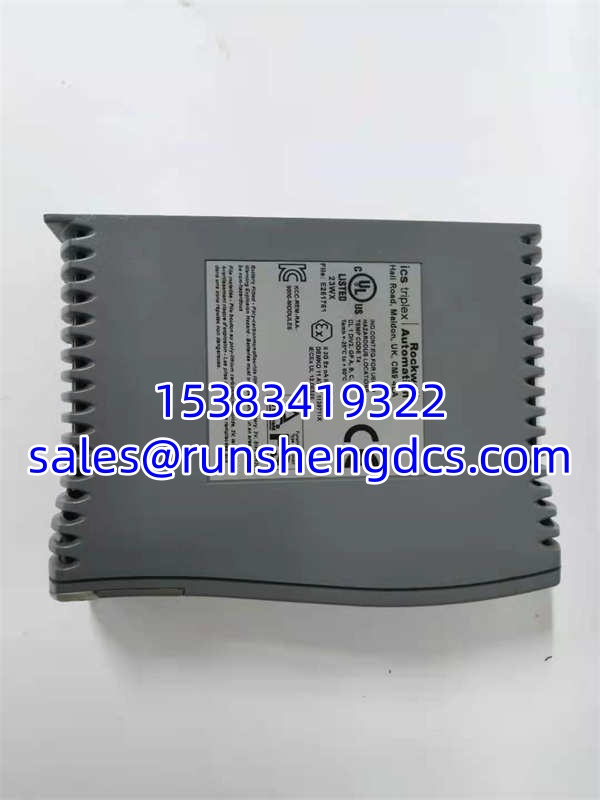
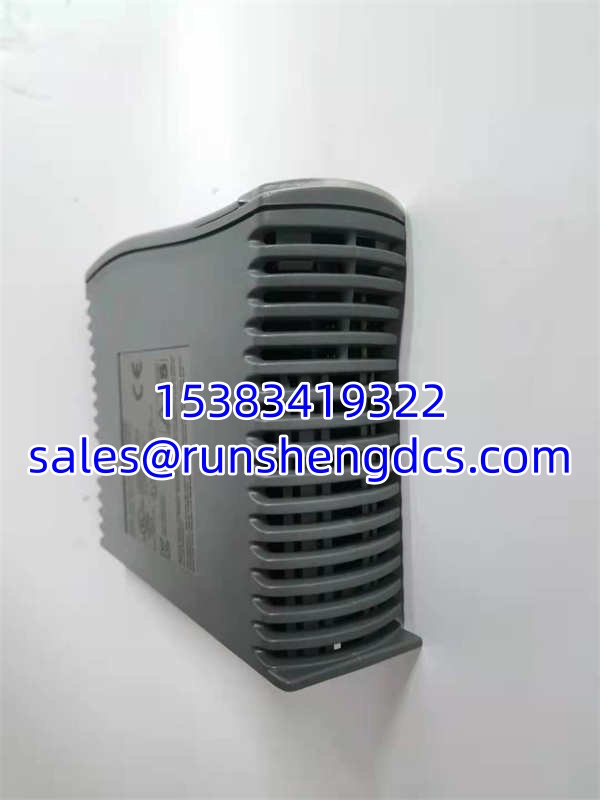
When a compressor station or refinery unit needs to shut down safely, you cannot afford a single point of failure in your safety controller. The ICS TRIPLEX T9110 is the brain of the Trusted® TMR system, designed to keep voting through internal faults without tripping the process unnecessarily. I’ve seen this processor handle a complete internal memory failure in one channel and keep the plant running because the other two channels outvoted it. It is not a standard PLC; it is a dedicated safety engine that prioritizes integrity over speed.
This module is the reason Trusted systems achieve SIL 3 certification in harsh environments. The ICS TRIPLEX T9110 supports hot standby redundancy with a switchover time under 100ms, meaning your safety logic never misses a beat during a processor failover. My only warning: this board is incredibly sensitive to firmware mismatches. If you drop a T9110 into a rack running an older Trusted Toolset version, it will refuse to sync. Always verify your software revision before ordering, or you will be stuck with an expensive paperweight.
Quality SOP & Tech Pitfalls
Every ICS TRIPLEX T9110 we ship goes through a rigorous validation process. We start with a visual inspection of the TMR voting logic circuits and backplane connectors for corrosion. Then, we perform a live injection test on a Trusted test rack to force a channel failure and verify the hot standby switchover occurs in under 100ms. We check the Modbus TCP/IP communication stack, verify the 24V DC power rail regulation, and log the exact firmware version before sealing it in anti-static packaging.
Here is the brutal reality of replacing this module. The most common field disaster I see is technicians installing a T9110 without matching the firmware version to the existing rack. The Trusted system requires all processors to be on the exact same software revision, or they will enter a “Configuration Mismatch” fault and lock out. I once watched a crew spend 12 hours troubleshooting a “safe state” lockout, only to find the replacement board was one minor revision behind. Always photograph the existing module’s revision sticker and DIP switches before pulling it.
Installation & Configuration Guide
- Pre-Installation: ⚠️ VERIFY SYSTEM REDUNDANCY STATUS. Ensure the standby processor is healthy before removing the primary. Lockout/Tagout is not applicable for hot-swappable safety modules, but you must confirm the system is in “Redundant” mode, not “Degraded.” Photograph all DIP switches and revision labels.
- Removal: Release the front panel locking mechanism and slide the module out smoothly. Do not force it; the backplane connectors are precision-machined. If it sticks, check for a hidden locking tab.
- Installation: MATCH ALL DIP SWITCHES AND FIRMWARE REVISIONS. This is non-negotiable. Insert the ICS TRIPLEX T9110 firmly until the backplane connectors seat fully. Engage the locking mechanism and verify the mechanical latch clicks.
- Power-On & Testing: The module will begin its self-test sequence. Watch the RUN/FAULT and LINK/ACT LEDs. You should see the module enter “Sync” mode within 60 seconds. Use Trusted Toolset to verify the new processor has joined the TMR voting group and that redundancy status is restored.
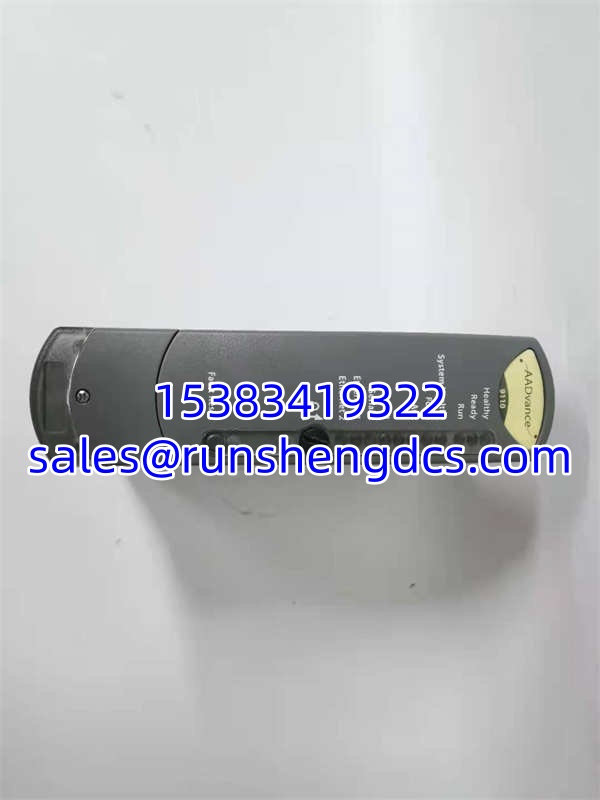
ICS TRIPLEX T9110
Compatible Replacement Models
| Compatibility | Model | Notes |
|---|---|---|
| ✅ Drop-in Replacement | ICS TRIPLEX | Exact hardware/firmware match. Verify revision level. |
| ⚠️ Software Compatible | ICS TRIPLEX T9111 | Enhanced version with additional protocol support. Requires firmware upgrade on entire rack. Budget ~4 hours engineering. |
| ❌ Hardware Mod Required | ICS TRIPLEX T8461C | Older Trusted processor. Different backplane and voting architecture. Full system migration required. Do not use as direct swap. |
Frequently Asked Questions (FAQ)
Can I hot-swap the while the safety system is active?
Yes, but only if the system is in full redundant mode. The Trusted architecture is designed for hot replacement, but you must verify the standby processor is healthy first. If you pull the primary while already in degraded mode, you will force a safety trip. Always check the redundancy status LED before touching the module.
What happens if the new has a different firmware version?
The system will reject it. Trusted processors must be identical in firmware revision to participate in TMR voting. You will see a “Configuration Mismatch” fault, and the module will remain in standby or fault state. Either flash the new module to match or upgrade the entire rack (requires full system shutdown and revalidation).
My is showing a solid FAULT LED after installation. What now?
First, check the firmware revision against the existing processors. Second, verify the DIP switch settings match the original module exactly. Third, use Trusted Toolset to read the diagnostic buffer; it will tell you if it is a communication fault, power issue, or voting mismatch. Do not keep cycling power; you risk corrupting the safety database.
Is the compatible with standard Modbus TCP/IP SCADA systems?
Yes, but it requires configuration in Trusted Toolset. The dual Ethernet ports support redundant Modbus TCP/IP, and you can optionally add OPC UA or Profibus DP via adapter modules. Just remember: safety communications are deterministic, not real-time. Do not expect sub-millisecond SCADA updates; the safety logic always takes priority.
How do I know if my is actually failed or just in a safe state?
Check the LED pattern. A blinking RUN LED with solid FAULT usually indicates a recoverable fault or sync issue. A solid FAULT LED with no RUN activity typically means a hard internal failure. Use Trusted Toolset to pull the diagnostic log; it will specify the exact channel failure (e.g., “Channel B Memory Parity Error”). Never guess; the safety database holds the truth.