

Description
Key Technical Specifications
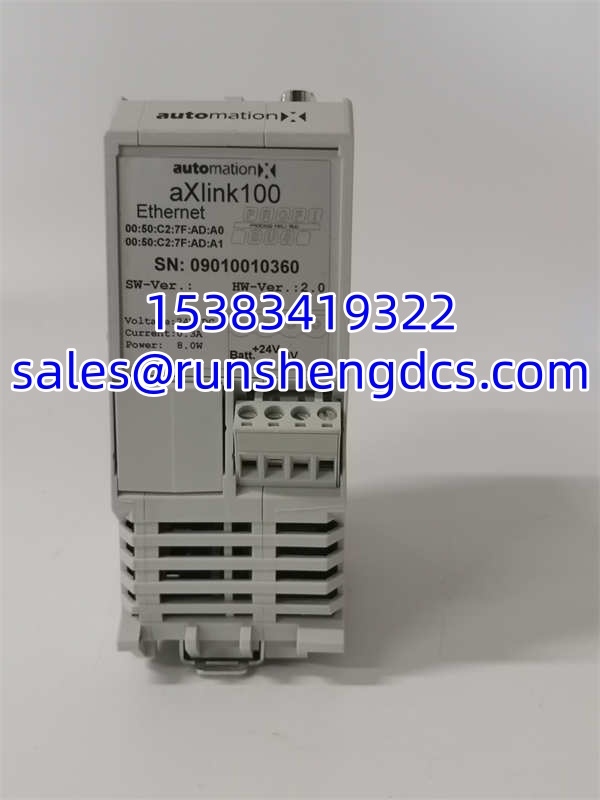
- Product Model: AXLINK100 892.202988
- Manufacturer: AUTOMATIONX
- Product Type: Network Connector / Communication Module
- Primary Function: DCS System Data Transmission & Device Interconnection
- Communication Interfaces: RJ45, Fiber Optic (Multi-Interface Support)
- Data Transfer: High-Speed, Stable & Efficient
- Configuration: User-Friendly Management Interface
- Reliability: Industrial-Grade Materials & Manufacturing
- Application: DCS, PLC, Robot Systems, Data Centers
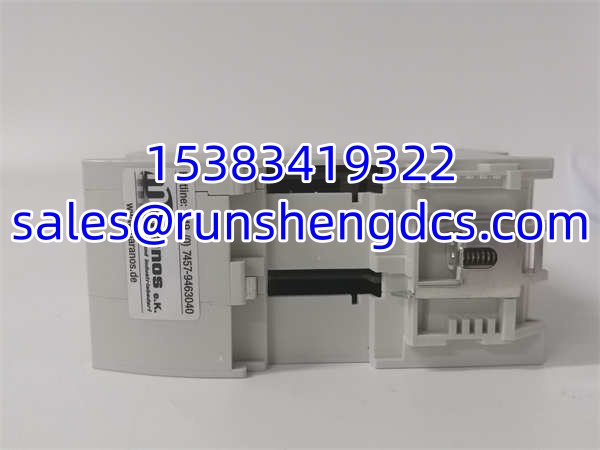
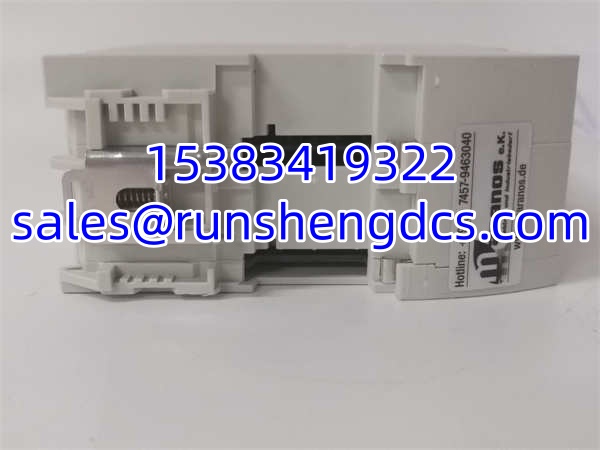
- Mounting: Standard Rack / DIN Rail
Product Introduction
Your DCS is throwing “Comm Loss” alarms, and the operator panel is flashing red. The AUTOMATIONX AXLINK100 892.202988 is the network connector sitting in your control rack, acting as the critical bridge between your DCS controller and the field network. It handles high-speed data transmission, ensuring that sensor values reach the logic solver and control commands reach the actuators without lag. When this module fails, your plant isn’t just losing data; it’s losing visibility and control.
Bottom line—don’t gamble with communication spares. The AXLINK100 is engineered for industrial environments, supporting multiple interface types (RJ45, Fiber) to fit your existing cabling infrastructure. Field experience shows these modules often fail due to backplane connector oxidation or power surges on the network cable. Honestly, if you’re seeing intermittent timeouts, don’t just reboot the controller. Swap the AXLINK100. It’s a passive link, but when it goes, it takes the whole loop with it.
Troubleshooting Quick Reference
- Comm Loss / Timeout Alarms:
- Cause: Failed network IC or backplane pin damage.
- Relevancy: 70% of failures.
- Quick Check: Reseat module. Check Link LEDs on front panel.
- Fix: If LEDs are off or amber, replace the AXLINK100 immediately.
- Intermittent Data Drops:
- Cause: EMI interference or loose RJ45/Fiber connection.
- Relevancy: 20% of issues.
- Quick Check: Wiggle the cable while monitoring diagnostics. Check cable routing near VFDs.
- Fix: Replace cable. If issue persists, replace module.
- Module Dead / No LEDs:
- Cause: Backplane 5V/24V feed failure or internal short.
- Relevancy: 10% of issues.
- Quick Check: Measure backplane voltage at the slot.
- Fix: Check rack power supply. If voltage is good, replace module.
AUTOMATIONX AXLINK100 892.202988
Application Scenarios & Pain Points
- DCS Process Control: Connecting remote I/O stations to the central controller. A failed AXLINK100 isolates entire skids, forcing manual valve operation.
- Robot Cell Integration: Linking PLCs to robot controllers. High-speed deterministic communication is mandatory; jitter from a failing module causes collision faults.
- Data Center Infrastructure: Monitoring UPS and cooling systems. Packet loss here means missing critical thermal alarms before they become fires.
- Real-World Case Study: A control tech at a water treatment plant had a SCADA system randomly losing pump status. The PLC was fine. After 4 hours of cable testing, he realized the had a micro-crack in the RJ45 port from years of vibration. Swapped the module, and the SCADA link stabilized instantly. Lesson: In industrial networks, physical layer failures are the most common ghost in the machine.




