
Description
Key Technical Specifications
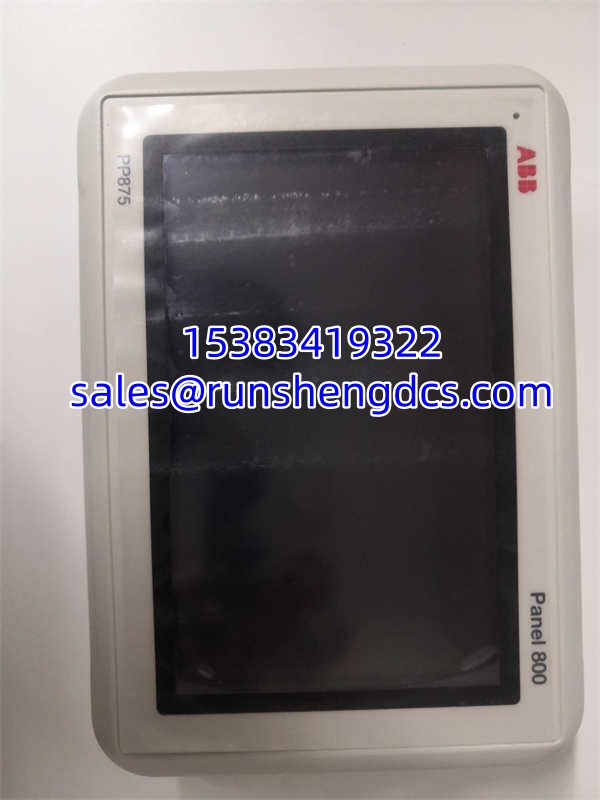
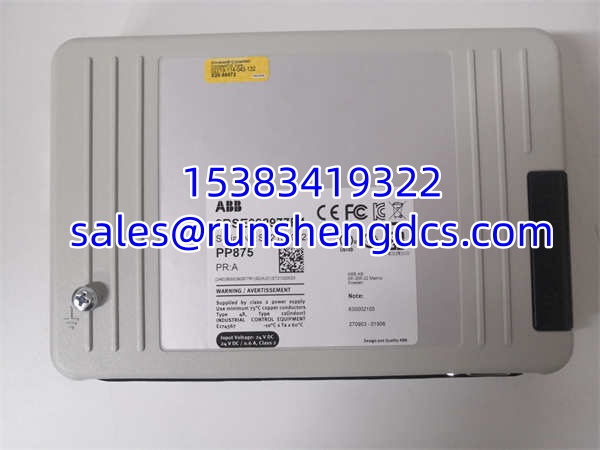
- Product Model: PP875
- Article Number: 3BSE092977R1
- Manufacturer: ABB
- Product Type: HMI touch panel / operator panel
- Product Family: Panel 800
- Display Size: 7 inch
- Display Type: TFT/LED color touch display
- Display Resolution: 800 × 480, 16:9
- Brightness: 350 cd/m²
- Processor: ARM9, 1 GHz
- Main Memory: 512 MB
- External Storage: 2 GB SSD, approximately 1.5 GB available for application storage
- Power Supply: 24 VDC, 18 to 32 VDC
- Operating Temperature: -10°C to +60°C
- Humidity: Up to 85%
- Dimensions: 204 mm × 143 mm × 50 mm
- Net Weight: 0.8 kg
- Housing: Die-cast, powder-coated aluminum
Product Introduction
A failed 7-inch HMI at the local panel usually means operators lose the fastest path to alarms, setpoints, equipment status, and manual control. ABB PP875 3BSE092977R1 sits in that exact spot: a Panel 800 family touch panel used as a local operator interface in industrial automation cabinets, machine skids, and process control stations. It is not a PLC CPU, not a remote I/O module, and not a power supply—even if some surplus catalogs mislabel it that way.
Why it matters: PP875 gives you a compact 7-inch HMI with 800 × 480 resolution, 350 cd/m² brightness, 24 VDC operation, and an operating range of -10°C to +60°C. For spare-parts planning, the real value is keeping a verified 3BSE092977R1 unit on the shelf so a dead panel does not turn into a multi-day downtime event while procurement chases the wrong “ABB module.”
Troubleshooting Quick Reference
| Fault | Likely Cause | Quick Check | Fix |
|---|---|---|---|
| No power / blank screen | 24 VDC supply missing, tripped breaker, bad wiring | Measure 18–32 VDC at panel power terminals | Restore correct 24 VDC; check fuse/breaker and polarity |
| Touch unresponsive | Touch layer fault, screen contamination, calibration issue | Clean screen; check if display image is stable | Recalibrate if supported; replace if touch layer is dead |
| Display dim or flickering | Backlight aging, unstable supply, loose connector | Measure supply under load; inspect connectors | Stabilize 24 VDC; reseat connectors; replace if backlight fails |
| Cannot download project | Wrong Panel Builder 800 version, firmware mismatch, comms error | Check engineering PC connection and panel firmware | Match Panel Builder version; verify communication settings |
| Panel boots but shows errors | Corrupted application, storage fault, firmware issue | Check error text and boot behavior | Reload application from backup; replace if SSD/storage fault |
| Intermittent communication | Loose Ethernet/serial link, switch port fault, EMI | Ping or check link LEDs; inspect cables | Reseat cables; change port; separate from power cables |
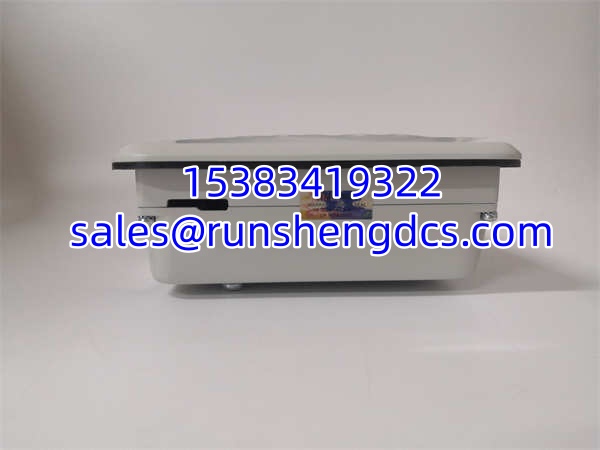
PP875
Application Scenarios & Pain Points
- Local operator control on process skids: PP875 is used where operators need a compact 7-inch interface near pumps, valves, dosing skids, or small process units. The pain point is usually project backup—if the original HMI application file is missing, replacement becomes much harder.
- Panelboard HMI replacement: A cracked screen, dead touch layer, or failed backlight can force a replacement. The risk is ordering a Panel 800 unit without confirming 3BSE092977R1 and firmware compatibility.
- Legacy ABB control system maintenance: Older Panel 800 installations may depend on specific Panel Builder 800 project versions. Swapping hardware without checking firmware can create download or runtime issues.
- Harsh cabinet environments: The aluminum housing and -10°C to +60°C range help, but condensation, oil mist, conductive dust, or direct water spray can still damage the front bezel, touch layer, or connectors.
- Surplus procurement risk: Mislabeling is common. Some listings call PP875 an I/O module or controller. That is wrong and can waste downtime during an emergency replacement.