
Description
Product Introduction
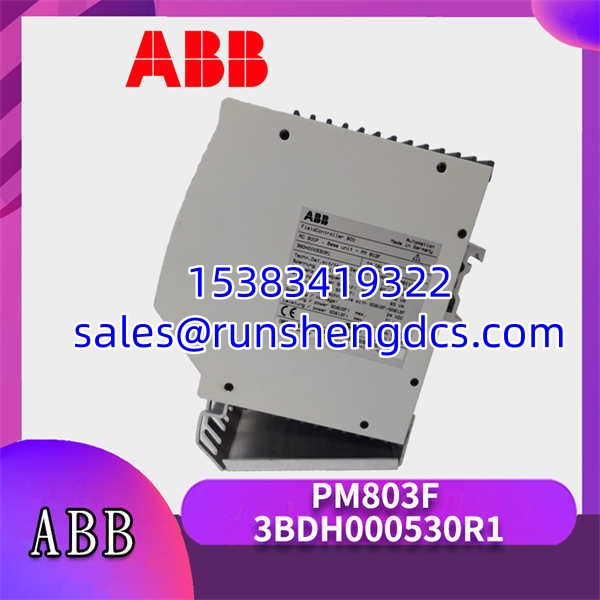
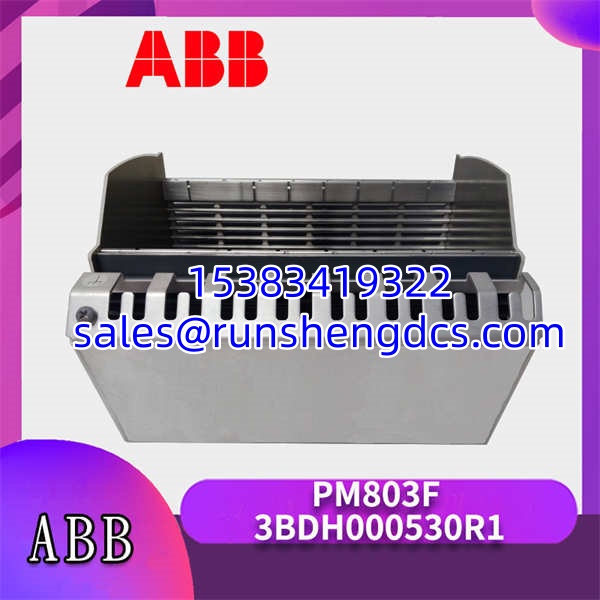
When a DCS controller fails, the entire process can grind to a halt. The ABB PM803F 3BDH000530R1 is the central processing unit built to be the brain of the AC 800F system, keeping your plant running. It executes the control logic, manages communication with I/O modules, and interfaces with the engineering and operator stations.
This controller provides a solid foundation for medium-sized applications. It comes equipped with 16 MB of RAM and 8 MB of FlashPROM for storing your project and firmware. The dual Ethernet ports allow for flexible network topologies, like a redundant ring, while the RS232-C port is perfect for connecting a modem or a legacy device. In my experience, its ability to handle complex control tasks without breaking a sweat makes it a reliable choice for continuous process industries.
Key Technical Specifications
- Processor: 32-bit RISC
- RAM: 16 MB
- FlashPROM: 8 MB
- Ethernet Interfaces: 2x 10/100 Mbit/s, RJ45 (TP-1 and TP-2)
- Serial Interface: 1x RS232-C, SUB-D 9-pin male
- IT-Interface: 1x RJ45 for service
- LED Indicators: Run, Error, Ethernet link/activity
- Supply Voltage: 24 V DC (from the S800 I/O bus)
- Power Dissipation: Approx. 8 W
- Operating Temperature: 0 to 55 °C (32 to 131 °F)
- Dimensions (W x H x D): 35 x 115 x 122 mm
- Weight: Approx. 0.3 kg
Compatibility & Replacement Matrix
- PM803F 3BDH000530R1 → PM802F 3BDH000529R1 : Direct — The PM803F is the standard successor to the PM802F. It has more memory and an additional Ethernet port. In most cases, you can replace a PM802F with a PM803F, but you should recompile your project with the newer hardware definition.
- PM803F 3BDH000530R1 → PM803F 3BDH000530R2 : Direct — The R2 is a later hardware revision. It is functionally identical and backward compatible. The main differences are internal component updates that do not affect installation or configuration.
Quality Inspection & SOP Transparency
We treat every CPU module like it’s going into our own control panel. Here is the process the ABB 3BDH000530R1 goes through before shipping.
- Incoming Inspection: We verify the part number and serial number against our procurement documents. The module is inspected for any physical damage, such as a cracked housing or bent pins on the connectors. We also check that the battery for the real-time clock is present and secure.
- Live Functional Test: The module is inserted into a live ABB AC 800F rack. We apply power and monitor the boot sequence via the LED indicators. A successful boot ends with a solid green ‘Run’ LED. We then connect a laptop to the TP-1 Ethernet port and establish communication using ABB’s Device Management Tool (DMT).
- Electrical Parameter Test: Using a multimeter, we measure the current draw from the S800 I/O bus to ensure it’s within the specified 8 W limit. We also perform a basic continuity check on the Ethernet ports.
- Firmware Verification: We use the DMT software to read the currently installed firmware version. This is a critical step, as the firmware version must be compatible with your engineering station’s software version (e.g., CBM 800F). We document the existing version.
- Final QC & Packaging: After passing all tests, the module is cleared of any test configurations, placed in an anti-static bag, and sealed. A QC pass label with the date and technician ID is affixed to the package.
Common Replacement Pitfalls
Replacing a DCS controller is a high-stakes task. One wrong move can lead to a lengthy and frustrating commissioning process.
- Firmware Revision Mismatch: This is the most common headache. If the new has a newer firmware version than your engineering station software, you won’t be able to download your project. Always check the firmware version on your old CPU and try to match it, or be prepared to update your engineering software.
- DIP Switch / Jumper Misconfiguration: The has a rotary switch to set the node address for the S800 I/O bus. The factory default is almost never correct for your system. Take a photo of the old module’s switch setting before you remove it. Setting this wrong means the CPU won’t see any of its I/O modules.
- Ethernet Cable Swap: The module has two Ethernet ports, TP-1 and TP-2. In a redundant system, swapping these cables can cause communication issues. Label the cables before you disconnect them.
- Power Budget Shortfall: While the itself only draws about 8 W, it powers the entire local I/O rack. If you’ve added modules to the rack since the original design, you might be close to the power supply’s limit. A new CPU might have slightly different power characteristics, pushing you over the edge.
- ESD Damage: The processor and memory chips are highly sensitive to static electricity. We’ve seen a module fail on power-up because an engineer didn’t use a wrist strap. Always ground yourself before handling the unit.
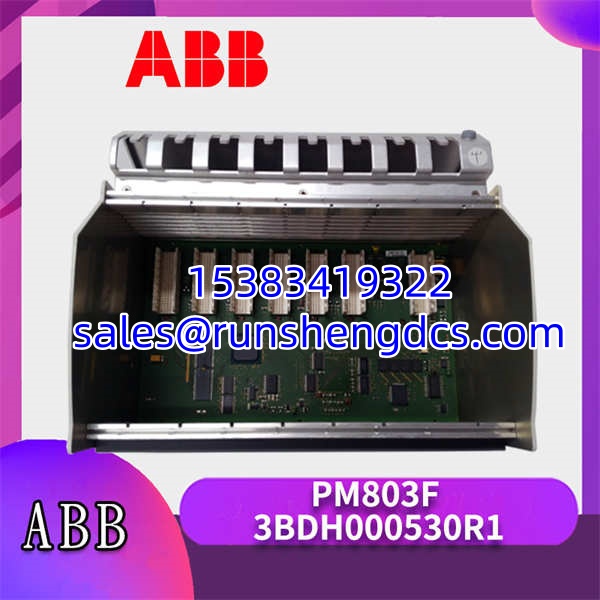
ABB-PM803F-3BDH000530R1
FAQ
Can I just swap this in directly without changing anything?
It depends on your situation. If the firmware version on the new is the same as the old one, then yes, it’s a straightforward swap. However, if the firmware is different, you will likely need to connect with your engineering station to download the firmware and your control project. It’s rarely a 100% plug-and-play operation.
The is essentially an upgraded PM802F. The main differences are memory and connectivity. The has 16 MB of RAM (double the PM802F) and two Ethernet ports instead of one. For most applications, the is a direct and recommended replacement for the PM802F.
Honestly, 90% of the time, this is an IP address or firmware issue. First, check that your laptop is on the same subnet as the controller’s default IP. Second, and more likely, the firmware version on the new module is incompatible with your version of the CBM 800F software. Use the Device Management Tool (DMT) to check the firmware version.
Does this module come with the battery installed?
Yes, the lithium battery for the real-time clock is installed on the module from the factory. However, you should check the manufacturing date. If the module has been in storage for several years, the battery might be weak. It’s a standard CR2032 coin cell, which is easy to replace if needed.
What is the warranty on this part?
We provide a 12-month warranty on all new original parts. This covers any defects in the module itself. It does not cover damage from incorrect installation, such as applying the wrong voltage or ESD. If the module fails during normal operation within the warranty period, we will replace it.