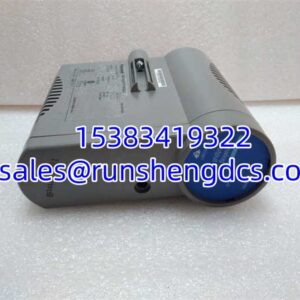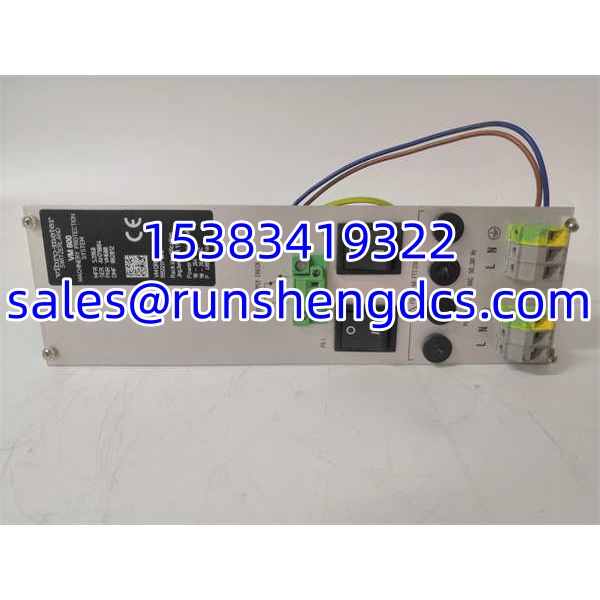
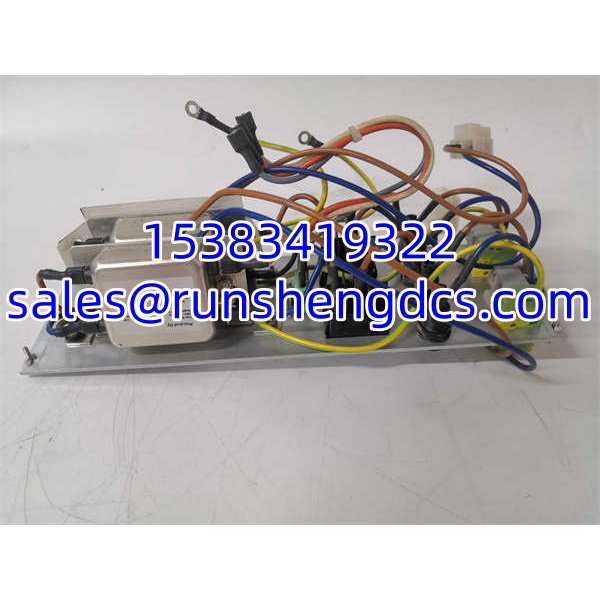

Description
Key Technical Specifications
| Parameter | Value / Notes |
|---|---|
| Brand | Vibro-Meter |
| Part Number | 200-582-915-032 |
| Product Family | VM600 |
| Module Type | Unconfirmed; verify nameplate |
| System Role | Machinery protection / condition monitoring / vibration monitoring |
| Installation | VM600 rack module; slot compatibility must be verified |
| Power Requirement | Not confirmed for this part number |
| Communication | Not confirmed; VM600 systems may use Ethernet, Modbus, or other interfaces depending on module type |
| Channel Count | Not confirmed |
| Input / Output Type | Not confirmed |
| Certification / SIL | Not confirmed for this specific part number |
| Operating Temperature | Not confirmed for this specific part number |
Product Introduction
VM600 spare procurement usually fails at the part-number level, not the brand level. 200-582-915-032 belongs to the Vibro-Meter VM600 machinery monitoring and protection ecosystem, but the suffix 915-032 is what defines the actual module identity. Without the nameplate function label, hardware revision, firmware revision, and OEM documentation, this part cannot be safely classified as a drop-in replacement for any other card.
Bottom line — it is a system module, not a generic vibration transmitter or standalone sensor. Its value depends entirely on whether it matches the existing rack architecture, slot position, firmware baseline, and protection configuration. If the plant needs it to restore a failed channel, maintain alarm/trip logic, or keep a machinery protection system online, the first step is confirming what the module actually does before applying power.
QA/QC Transparency SOP
- Intake & Origin Verification
Read the nameplate for 200-582-915-032, module function label, hardware revision, firmware revision, serial number, date code, and country of origin. Record whether the unit is new surplus, used pull, refurbished, or repaired. Quarantine any module with bent backplane pins, corrosion, burnt marks, cracked housing, missing labels, or evidence of unauthorized repair. - Live Functional Testing
Install the module only after confirming slot compatibility and power requirements. In a known-good test rack, verify that the module is recognized, status LEDs behave normally, and the configuration tool can read the module identity. Do not assume “power-on = good.” - Electrical Parameter Tests
Check backplane connector continuity, supply voltage tolerance, and insulation where applicable. Use a calibrated multimeter for voltage and continuity checks. Avoid megger testing on sensitive electronic I/O or communication modules unless the OEM procedure explicitly allows it. - Firmware/Config Verification
Read the firmware and hardware version before installation. Back up the existing project, module configuration, alarm setpoints, trip logic, and communication settings. Compare the replacement module against the original module identity, not just the part number. - Final QC & Anti-Static Packaging
Clean backplane contacts, cap exposed connectors, and label the module with part number, serial number, hardware/firmware revision, test date, pass/fail status, and tester ID. Pack in anti-static material. Include a test summary if the module is being sold or returned to service.
Field Engineer Gotchas
- Firmware/hardware revision mismatch can block a “same part number” swap
Risk: Two modules with the same base part number may not be accepted by the rack or configuration software if firmware or hardware revisions differ.
Fix: Record the old module’s full identity before removal. Match firmware and hardware revision, or confirm offline compatibility before installing the replacement.
Blunt warning: Same part number does not mean drop-in ready. - Risk: Treating 200-582-915-032 as a power supply, CPU, monitoring card, or relay module without confirmation can lead to wrong slot insertion, wrong wiring, or protection logic errors.
Fix: Confirm the module function from the nameplate and OEM documentation.
Reality check: The biggest mistake in spares is assuming the family name tells you the job. - Protection logic is not validated by LED status alone
Risk: A module may power up and show normal LEDs, but alarm thresholds, trip delays, relay outputs, or communication mapping may still be wrong.
Fix: Verify alarm setpoints, trip logic, relay outputs, DCS/PLC communication, and fault behavior before returning the machine to service.
War story: A replacement module looked fine on the bench, but the plant almost missed a trip-test failure because the relay mapping had not been checked against the live project. - Backplane slot and card-pair requirements matter
Risk: Some modules require specific front/rear card pairs, slot positions, or companion I/O interface modules.
Fix: Check the rack layout, backplane type, and module pairing rules before installation.
Bottom line: If the mechanical fit is the only thing you verified, you have not verified enough.
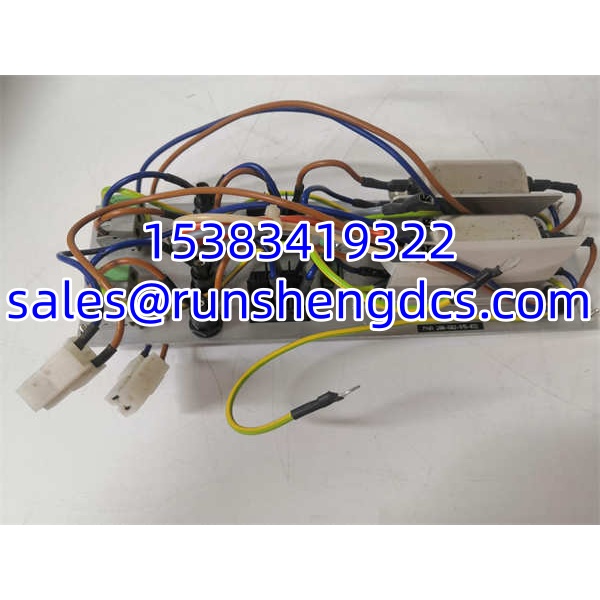
Vibro-Meter 200-582-915-032 VM600
Application Scenarios
- Gas turbine or steam turbine vibration protection
Used where continuous vibration, speed, or displacement monitoring must feed alarms and protective actions. - Compressor, pump, and fan condition monitoring
Applicable in oil and gas, power generation, petrochemical, and heavy manufacturing plants with rotating equipment. - Generator and auxiliary equipment monitoring
Suitable for systems where vibration-related faults must be detected before they develop into major mechanical damage. - Useful when an existing rack needs a like-for-like module, provided the part number, revision, firmware, and configuration all match.
Anonymized Case Study
A power site had a rack fault on an aging turbine monitoring system. Maintenance pulled a spare module with a matching base part number and installed it without checking the firmware revision. The rack recognized the module, but the configuration software flagged a version mismatch and would not allow a clean download. The team removed the module, backed up the original project, confirmed the failed module’s hardware and firmware identity, and located a replacement with matching revisions. After offline verification, the module was installed, alarm setpoints were compared, and relay outputs were tested before the protection system was returned to service. The lesson: in systems, the part number gets you to the rack; the revision and configuration get you back to protection.
FAQ
- What is Vibro-Meter 200-582-915-032?
It is a Vibro-Meter -series module part number. The exact module function is not confirmed from the available references. - Is 200-582-915-032 a power supply module?
Not confirmed. Do not classify it as an RPS6U or power supply module without checking the nameplate and OEM documentation. - Is it a communication module?
Not confirmed. systems include communication-related modules, but this part number cannot be assumed to be one. - Not automatically. Replacement requires matching part number, module function, hardware revision, firmware revision, slot compatibility, and project configuration.
- What should I check before installing it?
Check the nameplate function label, serial number, hardware/firmware revision, backplane compatibility, slot position, power requirements, communication settings, and protection logic. - Does this part number guarantee SIL or API compliance?
No. SIL, API 670 relevance, or other certification status must be verified for the specific module and application. Do not assume compliance from the family name alone. - Where can I get the official datasheet?
Request it from Vibro-Meter / Meggitt or an authorized distributor using the full part number 200-582-915-032 and the module serial/hardware revision.