
Description
Key Technical Specifications
| Parameter | Value / Notes |
|---|---|
| Part Number | 140ACO13000 |
| Product Family | Modicon Quantum 140-Series I/O |
| Module Type | Analog output module |
| Channels | 8 channels |
| Density | High-density |
| Platform | Schneider / Modicon Quantum PLC |
| Typical Use | Control valves, VFD speed references, positioners, analog actuators |
| Wiring Note | Terminals marked RETURN are common return terminals |
| VM Terminal | Optional voltmeter connection; wiring distance should not exceed 1 m |
| N/C | No connection |
Product Introduction
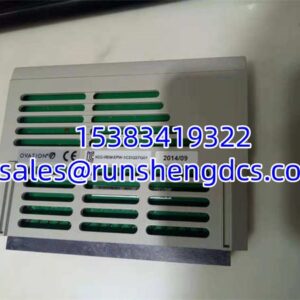
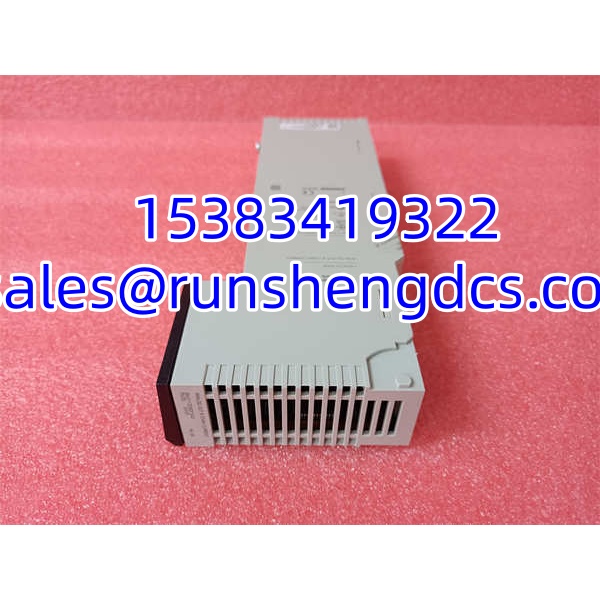
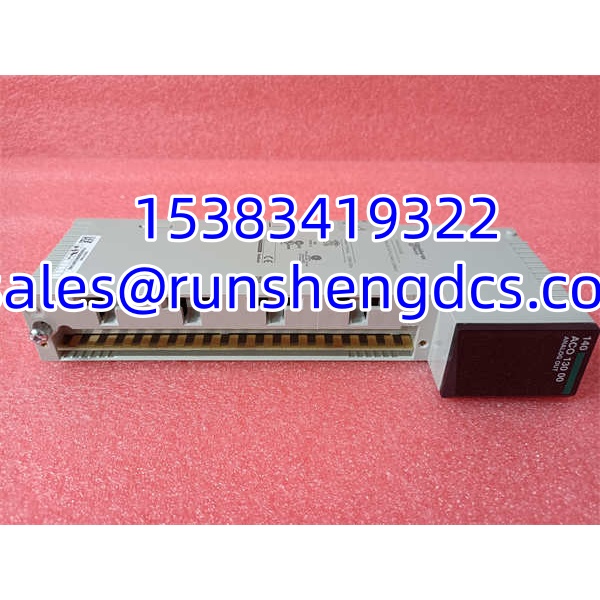
Replacing a Quantum analog output card without confirming channel count, signal type, and terminal layout is one of the faster ways to create a field commissioning headache. The Schneider 140ACO13000 fits into a Modicon Quantum rack as an 8-channel high-density analog output module, meaning it converts PLC process values into analog signals for field devices.
Its practical value is density: eight output channels in one module slot reduce rack space and wiring compared with lower-density analog output cards. It is typically used where a Quantum controller must drive multiple analog actuators from a single chassis position. Bottom line — it is a field-output module, not a power supply, not a weighing module, and not a generic “140-series” spare.
QA/QC Transparency SOP
- Intake & Origin Verification
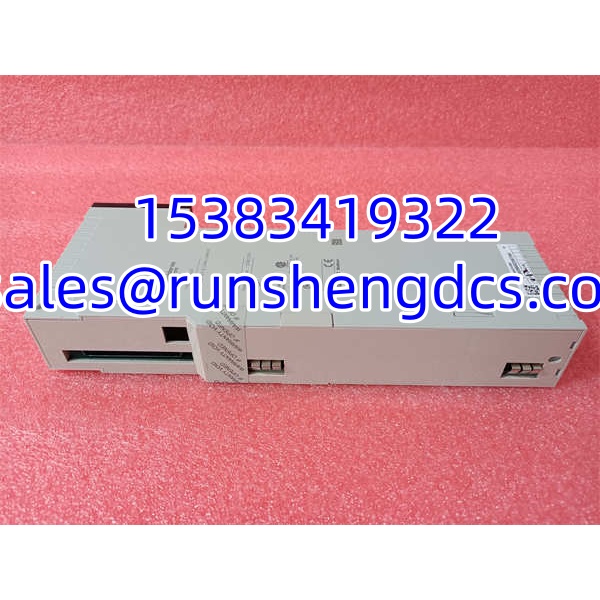
Confirm the nameplate shows Schneider / Modicon, part number 140ACO13000, hardware revision, serial number, and date code. Photograph the front label, terminal side, backplane connector, and mounting hardware. Reject units where the label is missing, mismatched, or describes a different module type. - Live Functional Testing
Install the module in a compatible Quantum rack or test backplane. Verify that the CPU recognizes the module, the I/O map is valid, and each channel can be written from the PLC program. For an 8-channel AO module, test all eight outputs individually, not just channel 1. - Electrical Parameter Tests
Check supply presence, backplane connection, terminal continuity, and return/common paths. Use a calibrated multimeter to confirm output behavior against expected analog values. Do not apply external voltage to output terminals unless the OEM manual explicitly permits it. - Firmware/Config Verification
Read the module identification, revision, and configuration data from the controller project. Confirm that the PLC I/O configuration matches the physical module. Back up the project data before making changes. - Final QC & Anti-Static Packaging
Inspect terminals for corrosion, heat damage, stripped screws, or cracked plastic. Clean the module, verify mounting hardware, and pack it in anti-static material with rigid protection. Include test status, revision, serial number, and a note that installation must follow plant LOTO procedures.
Field Engineer Gotchas
Wrong module family
Risk: The part arrives labeled 140ACO13000, but third-party descriptions may mix it with unrelated hardware.
Fix: Match the physical nameplate to Schneider Modicon Quantum 140ACO13000, not a supplier description.
Blunt warning: If the label does not match the Quantum analog output identity, do not install it.
RETURN terminal confusion
Risk: Outputs show incorrect behavior, unstable readings, or no control signal.
Fix: Treat all terminals marked RETURN as common return terminals and wire them according to the module drawing.
War story: A technician blamed a new AO card for bad valve control, but the real issue was that the RETURN terminals were not tied correctly to the field loop common. The module was fine; the wiring was not.
VM terminal wiring distance
Risk: The optional VM voltmeter connection is wired with long leads, introducing noise or measurement error.
Fix: Keep VM terminal wiring under 1 meter, as specified in the module wiring guidance.
Bottom line: Short, clean connections matter on analog output diagnostics.
Backplane slot and I/O map mismatch
Risk: The CPU reports a configuration fault or the outputs do not respond.
Fix: Confirm the physical slot, module type, channel count, and PLC I/O mapping.
Reality check: A physically compatible Quantum module can still fail if the program expects a different module type or channel layout.
ESD and live rack insertion
Risk: Inserting or removing the module while the rack is powered can damage the backplane interface or output circuitry.
Fix: Follow plant LOTO rules and avoid hot-swapping unless the installation explicitly allows it.
Treat it as a precision I/O module, not a plug-and-play USB device.
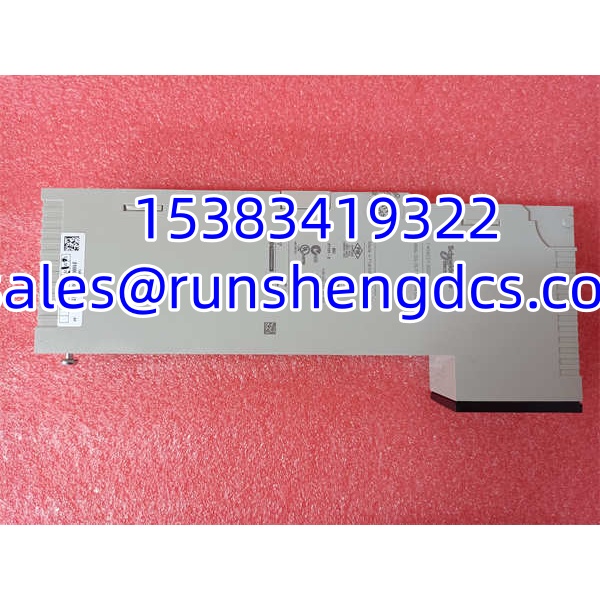
Schneider 140ACO13000
Application Scenarios
- Control valve positioning, where a Quantum PLC sends analog signals to multiple modulating valves in a process skid.
- VFD speed reference outputs, where the PLC provides analog setpoints to several drives from one high-density module.
- Chemical dosing systems, where multiple dosing pumps require analog control signals from a central controller.
- HVAC or utility plants, where the PLC modulates dampers, valves, or pressure-regulating devices.
- Water/wastewater treatment, where analog outputs control chemical feed rates, blower references, or valve positions across distributed process areas.
Case study — anonymized
A process plant replaced a failed Quantum analog output module during a weekend shutdown. After power-up, two control valves showed no response, while the other six channels worked normally. Maintenance assumed the replacement module was defective. The real issue was field wiring: the two failed channels were wired to a separate loop common, and the RETURN terminals for those channels were not connected correctly. After correcting the RETURN wiring and forcing each channel from the PLC, all eight outputs tracked correctly. The lesson: when an AO module appears partially dead, check field commons and RETURN terminals before condemning the card.
FAQ
Is 140ACO13000 an analog output module?
Yes. It is a Schneider Modicon Quantum 8-channel high-density analog output module.
What is the difference between 140ACO02000 and 140ACO13000?
They are both Quantum analog output modules, but they are not automatically interchangeable. The main difference is typically channel count and density: 140ACO02000 is commonly a 4-channel analog output module, while 140ACO13000 is an 8-channel high-density analog output module. Verify the PLC I/O configuration before swapping them.
Can I use 140ACO13000 as a replacement without changing the program?
Only if the replacement module matches the original module type, channel count, slot assignment, and I/O mapping. If the program was built for a different AO module, the replacement may not work without configuration changes.
Does this module need external power?
The module is powered through the Quantum backplane, but field loops and actuators may require separate power. Check the official wiring diagram before connecting field devices.
Why does the PLC recognize the module but outputs do not move?
Check the I/O map, channel addressing, output scaling, forced values, and field wiring. Also confirm that the RETURN/common terminals are connected correctly and that the field device has power.
Is 140ACO13000 a weighing or power module?
No. Reliable Modicon Quantum references identify it as an 8-channel high-density analog output module. Listings calling it a weighing module or power module should be treated as unreliable.
Can surplus stock be used in production?
Yes, but only after verification. Confirm the nameplate, revision, physical condition, terminal integrity, and functional test results before installing it in a live control system.