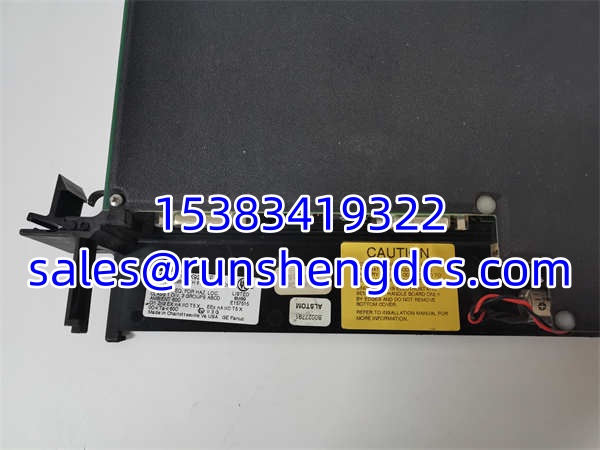
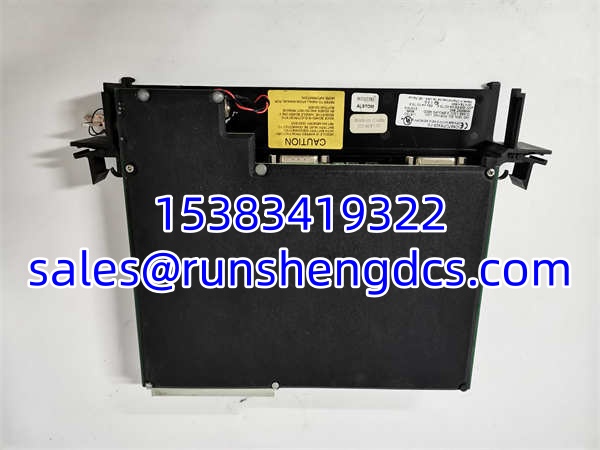
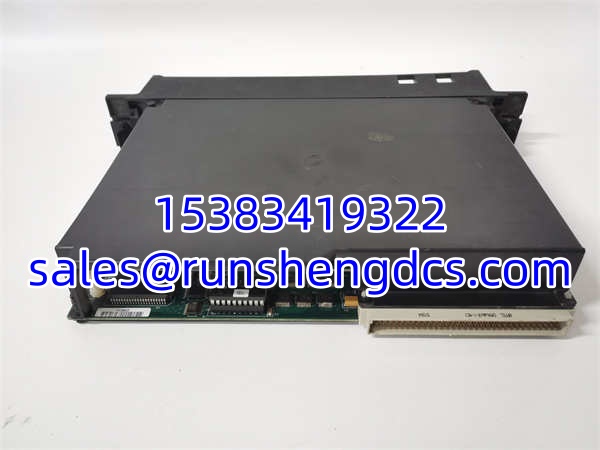
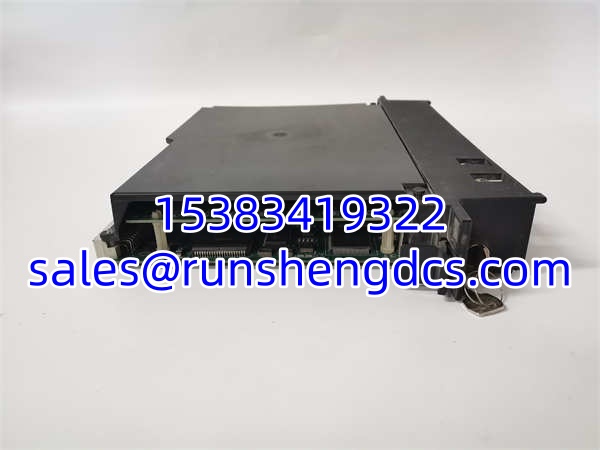

Description
Key Technical Specifications
| Parameter Name | Parameter Value |
|---|---|
| Product Model | GE IC697CPX928-FE |
| Manufacturer | GE Fanuc / GE Intelligent Platforms |
| Product Category | Series 90-70 CPU Module |
| Processor | 32-bit 80486DX4 @ 96 MHz |
| User Memory | 6 MB Battery-Backed RAM |
| Non-Volatile Memory | 256 KB Flash |
| Discrete I/O Capacity | Up to 12K Points |
| Analog I/O Capacity | Up to 8K Points |
| Serial Ports | 1x RS-232, 2x RS-485 |
| Boolean Execution | 0.4 µs per instruction |
| Backplane Power | 5 VDC, ~3.1A |
| Operating Temp | 0°C to 60°C |
Product Introduction
Getting a 90-70 CPU to boot after a decade of silence is always a gamble. The GE IC697CPX928-FE is the workhorse of that platform, packing a 96 MHz 80486DX4 processor and a massive 6MB of battery-backed RAM for its era. I’ve seen these running in water treatment plants since the late 90s, still chewing through logic without breaking a sweat.
This isn’t just a logic solver; it handles 12K discrete and 8K analog I/O with floating-point math built-in. (I once had a client try to run a PID loop on a cheaper 90-70 CPU and watch the scan time balloon to 200ms. The IC697CPX928-FE keeps that under 5ms.) Just be warned: the battery backup on these old boards is a ticking clock. If it’s been sitting in a warehouse for five years, that 6MB memory is likely toast. Always verify your program backup before installing.
Quality SOP & Tech Pitfalls
The Lab Report:
We don’t trust “New Old Stock” blindly. Every GE IC697CPX928-FE gets a visual inspection for capacitor bulge or trace corrosion. Then it goes on a live 90-70 test rack. We force I/O, verify the 96MHz clock stability, and check the RS-485 port handshake. We also measure the backup battery voltage; if it’s under 3.0V, we replace it before shipping. Function verified under test conditions.
The Engineer’s Warning:
The lithium battery on the IC697CPX928-FE is not user-serviceable without a soldering iron. If you pull a dead unit and try to swap the battery, you risk frying the flash memory. Also, check your firmware version. I’ve seen a rev 7.92 CPU refuse to talk to a rev 6.0 programming laptop. Take a photo of the front label and the DIP switches (if present) before you pull it.
Installation & Configuration Guide
- Pre-Installation: ⚠️ Power down the 90-70 rack completely. Wait 60 seconds for backplane capacitors to discharge. Take high-res photos of the old CPU’s jumpers and serial port settings.
- Removal: Release the top/bottom latches. Pull straight out. Do not rock the module; the VME-style pins are fragile.
- Installation: Verify the 5V backplane supply is stable. Slide the GE IC697CPX928-FE in until the backplane connector seats fully. Engage latches.
- Power-On & Testing: Restore power. Watch the “OK” LED. It should flash during POST, then stay solid green. If it blinks red, check your memory map. Download your logic via RS-232 or Ethernet (if equipped).
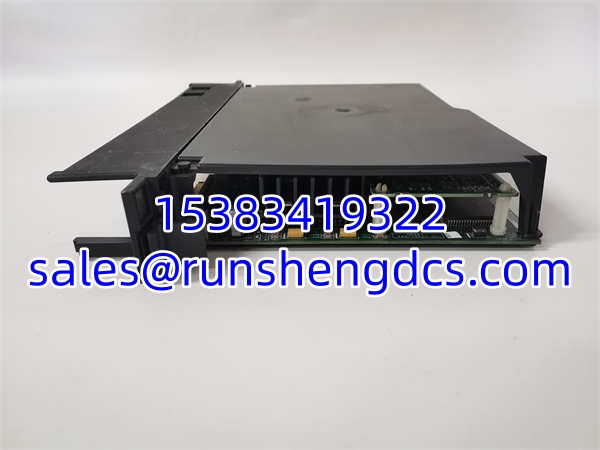
GE IC697CPX928-FE
Compatible Replacement Models
| Model | Compatibility Tier | Notes |
|---|---|---|
| GE | ✅ Drop-in Replacement | Exact match. Verify suffix matches your chassis revision. |
| GE IC697CPX928-CD | ⚠️ Software Compatible | Same core, different revision. May require firmware flash. Budget 1 hour. |
| GE IC697CPX935 | ❌ Hardware Mod Required | Different memory footprint. Requires logic recompile. Do not use for direct swap. |
Frequently Asked Questions
Can I hot-swap this CPU while the rack is live?
Absolutely not. The 90-70 backplane does not support hot-swapping CPUs. You will fry the backplane or the new CPU. Kill the power, wait for the discharge, then swap.
My program is gone. Can I recover it from this module?
Only if the 6MB battery still has juice. If the “BATT” LED is red or the module has been unpowered for months, the RAM is wiped. You need a backup file. If the Flash memory (256KB) was used for the program, you might get lucky, but don’t count on it.
Does this support Ethernet natively?
No. The has serial ports (RS-232/485). For Ethernet, you need the optional GBC (Global Data Communications) module or the Ethernet Interface module in an adjacent slot. Don’t plug an RJ45 into the serial port and expect it to work.
How do I know if the CPU is bad or the backplane?
If the “OK” LED never lights up and you have verified 5V at the backplane connector, the CPU is likely dead. If the LED flashes red, check your memory configuration in the programming software. A corrupted memory map will cause a boot failure that looks like hardware death.
Is the 96MHz speed actually faster than the 50MHz versions?
Yes, but only for math-heavy blocks. For simple ladder logic, you won’t notice the difference. The real win is the 6MB RAM. If your program is pushing 2MB, the older 512KB CPUs will choke. This unit eats that for breakfast.
What programming software do I need?
You need Logicmaster 90-70 (DOS or Windows) or Proficy Machine Edition. Make sure your version supports the firmware revision. Older LM90 software might not recognize the “FE” suffix.