
Description
Product Introduction
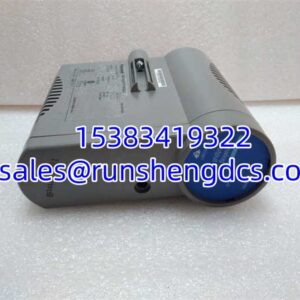
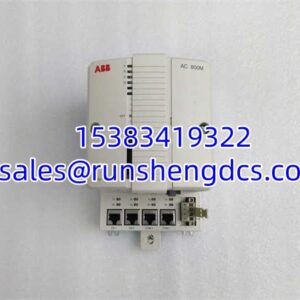
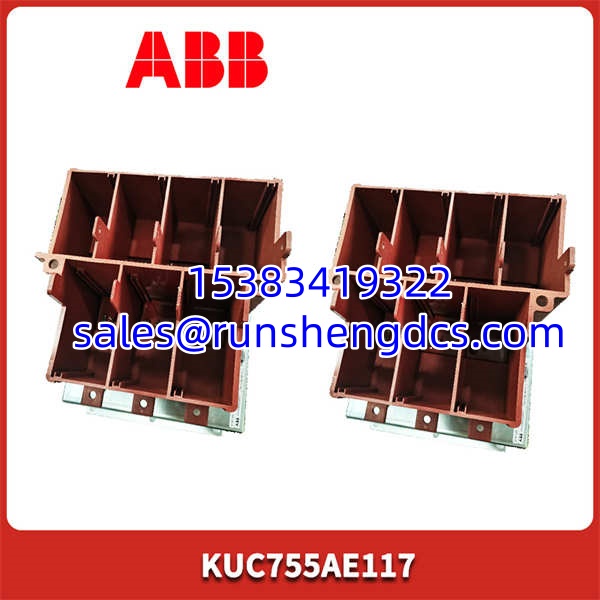
The ABB KUC755AE117 is the go-to interface module for integrating field devices into an AC800M control system. It physically plugs into the side of a PM864 or PM866 CPU, adding essential serial and fieldbus connectivity without consuming rack slots.
Functionally, it handles both PROFIBUS DP and Modbus RTU protocols simultaneously. This dual-protocol capability makes it invaluable during system migrations or when connecting third-party drives and instruments. It draws power directly from the CPU, simplifying wiring.
Key Technical Specifications
- Interfaces: 2 x 9-pin Sub-D (RS485), 2 x 9-pin Sub-D (PROFIBUS)
- Protocols: PROFIBUS DP Master/Slave, Modbus RTU Master/Slave
- Baud Rate: Up to 12 Mbit/s (PROFIBUS), up to 115.2 kbit/s (Modbus)
- Isolation: 500 V AC (Port to Port and Port to Ground)
- Power Supply: 5 V DC (from CPU connector, ~200 mA)
- Operating Temp: 0 to +60 °C
- Dimensions: 60 x 80 x 40 mm (W x H x D)
Compatibility & Replacement Matrix
- ABB KUC755AE117 → ABB KUC755AE117: Direct Replacement — Same part.
- ABB KUC755AE001 → ABB KUC755AE117: Direct Replacement — Functionally identical, different revision.
- ABB PM864 → ABB KUC755AE117: Compatible — Mounts directly to the CPU side.
- ABB PM803F → ABB KUC755AE117: Incompatible — Different physical interface (Freelance vs. AC800M).
Quality Inspection & SOP Transparency
- Incoming Inspection: Inspect the rubber gasket around the CPU mating surface for tears or compression set. Check the Sub-D connector pins for straightness — a bent pin here is a common shipping damage.
- Live Functional Test: Mated to a PM866 CPU on an AC800M rack. Powered up and verified “RUN” and “COM” LEDs active. Established a PROFIBUS connection with a remote I/O station and a Modbus RTU connection with a drives rack.
- Electrical Parameter Test: Measured continuity between the CPU connector’s 5 V pin and ground — looking for shorts. Verified isolation resistance >10 MΩ between ports.
- Firmware Verification: Read the firmware version via Control Builder. The typically requires firmware v1.0 or later; mismatched firmware prevents communication.
- Final QC & Packaging: Wrapped in anti-static foam to protect the connectors. Housed in a rigid plastic case to prevent crushing.
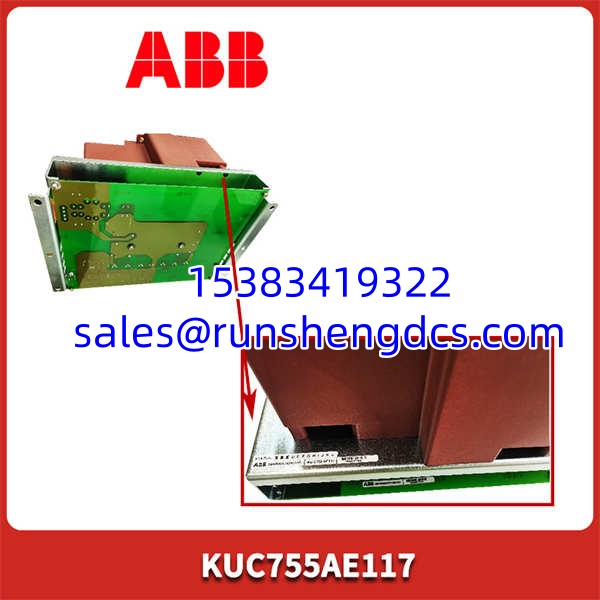
ABB KUC755AE117
Common Replacement Pitfalls
- Firmware Version Lock: The is picky about firmware. Installing a module with firmware v0.9 in a system expecting v1.2 will result in a “Communication Error” fault. Always record the existing firmware version before ordering.
- The “Squeeze” Fit: Installing this module requires pressing it firmly onto the CPU’s connector pins. It should feel tight. If it feels loose, the gold fingers might not be making contact, leading to intermittent faults.
- Termination Resistor Confusion: The module has internal termination resistors for both PROFIBUS and RS485. If you’re in the middle of a bus, you must disable termination on the module (via DIP switch) to avoid signal reflection. Getting this wrong kills the entire network segment.
- CPU Side Selection: The AC800M CPU has two sides (A and B). The can go on either, but your Control Builder configuration must match the physical location. Swapping sides without updating software causes a boot-up fault.
- ESD Sensitivity: The interface chips are sensitive. Honestly, we’ve seen modules fail instantly because the installer didn’t ground themselves. Use a wrist strap.
FAQ
Q: Is this compatible with the PM866 processor?
A: Yes, it is compatible. However, you must verify the firmware version. The PM866 might be running a newer OS that requires firmware v2.0+. An older module will need a firmware upgrade first.
Q: Can I use this as a direct replacement for a KUC755AE001?
A: Yes, it is a direct replacement. The pinout and functionality are identical. You can swap them without changing wiring or configuration — though ambient temperature matters here.
A: This is usually a configuration or wiring issue. First, check the DIP switches for correct baud rate and termination. Second, verify the cable shield is grounded at one end only. If the LEDs are solid red, the module itself may be faulty.
Q: Do I need to reconfigure the system after installing it?
A: Depends on your situation. If you’re replacing a failed module in the same slot, and the firmware version matches, the CPU should recognize it automatically. If it’s a new installation, you must configure it in Control Builder.
Q: What’s the max cable length for the RS485 ports?
A: The standard spec is 1200 meters at 9600 baud. However, in noisy industrial environments (like near VFDs), you should keep it under 500 meters to avoid data corruption.