
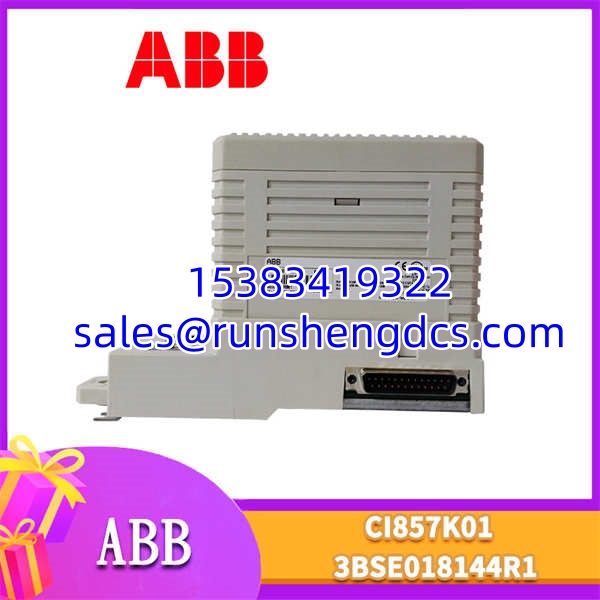
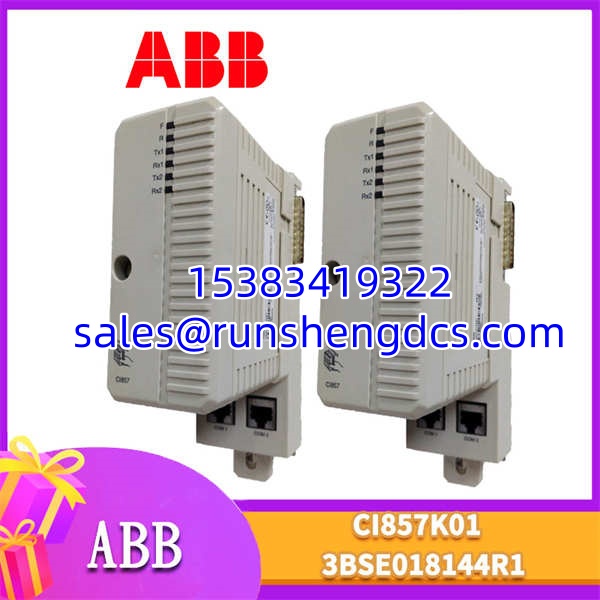

Description
Key Technical Specifications
| Parameter | Value |
|---|---|
| Product Model | ABB CI857K01 |
| Part Number | 3BSE018144R1 (often 3BSE018144R1-800xA) |
| Manufacturer | ABB |
| Product Type | Profibus DP Communication Module |
| System Series | System 800xA / AC 800M |
| Protocol | Profibus DP (V0 & V1), FMS (Limited) |
| Baud Rate | Up to 12 Mbps |
| Bus Interface | DB9 Female Connector |
| Redundancy | Supports Redundant Profibus Bus (with CI857K01 pair) |
| Mounting | AC 800M Controller Base / S800 I/O Base |
| Operating Temp | 0°C to +60°C |
| Diagnostic Indicators | TX/RX LEDs, Fault LEDs, Bus Active LED |
Product Introduction
Your 800xA system is reporting a “Profibus Bus Fault,” and the field devices are going silent. The CI857K01 is the bridge between your controller and the field, and when it fails, the entire segment goes dark.
The ABB CI857K01 (3BSE018144R1) is the standard Profibus DP communication module for the AC 800M controller family. It acts as a Profibus DP Master (or Slave in specific configurations), translating the controller’s internal data into the Profibus protocol for drives, valves, and remote I/O. The 3BSE018144R1-800xA suffix is critical—it denotes the specific firmware/hardware revision compatible with System 800xA. Older revisions (like -100 or -200) may not handshake correctly with newer 800xA releases.
Why does this module matter? Because Profibus is deterministic but unforgiving. The CI857K01 manages the token passing, bus timing, and diagnostic buffering. It supports redundant bus configurations, meaning if one cable is cut, the second CI857K01 takes over without dropping the process. Bottom line — if you’re running Profibus on 800xA, this is the card that keeps the field alive.
QA/QC Transparency SOP
Communication modules are sensitive to bus stress. Here is how we validate a :
- Intake & Origin Verification: We verify the 3BSE018144R1 part number and the -800xA suffix. We inspect the DB9 connector for bent pins and verify the ABB logo/QR code on the housing.
- Live Functional Testing (Bus, Comms, Load): The module is seated in a calibrated AC 800M test rack. We connect a Profibus DP simulator and verify the module goes “Bus Active.” We test baud rate negotiation (9.6k to 12M) and verify diagnostic buffer readout in 800xA Control Builder.
- Electrical Parameter Tests (Megger, Continuity): Using a Fluke 87V, we verify 5VDC backplane power stability. We check continuity on the DB9 pins (Pin 3/8 for Signal, Pin 1/9 for Shield). We ensure no shorts between the isolated bus ground and the backplane ground.
- Firmware/Config Verification (Readout & Backup): We read the module’s firmware revision via Control Builder. We verify it matches the 3BSE018144R1-800xA specification. Corrupted firmware is a common cause of “Module Not Found” errors.
- Final QC & Anti-Static Packaging: Visual inspection checks the DB9 jack and PCB integrity. The is sealed in an anti-static bag with desiccant, labeled with the verified firmware revision and test date.
Field Engineer Gotchas
Suffix Mismatch (-800xA vs Others): The 3BSE018144R1-800xA is the current standard for System 800xA. If you install an older revision (e.g., 3BSE018144R1-100), the controller may recognize the hardware but fail to load the configuration due to firmware incompatibility. Always match the exact suffix. We’ve seen plants buy three cards only to find the -800xA was the only one compatible with their 800xA R6.1 system.
Terminator Missing: The does not have built-in termination. You must use an external terminator (e.g., NT-01 or integrated in the last drop) at both ends of the bus. Missing termination causes intermittent “Bus Fault” alarms that disappear when you wiggle the cable. Pro tip: check the last device in the segment. We saved a $2,000 module replacement at a water plant just by adding a terminator.
Redundancy Switchover: If you’re running redundant Profibus, both modules must be identical revisions. Mixing revisions causes synchronization faults. Also, verify the redundancy cable (usually a fiber or shielded twisted pair between the two modules) is intact. A bad redundancy link makes the system single-threaded without warning.
ESD on DB9 Connector: The Profibus transceiver on the is sensitive to ESD, especially when plugging/unplugging the DB9 connector while powered. Wear an ESD strap. We’ve seen modules that passed bench test but failed in-field after an ungrounded hot-plug. The transceiver is toast. Ground yourself. Always.
GSD File Mismatch: If the module is healthy but a specific field device won’t talk, check the GSD file in Control Builder. The relies on the GSD to define the device’s profile. An outdated GSD file can cause “Device Not Responding” errors even if the wiring is perfect. Update the GSD library.
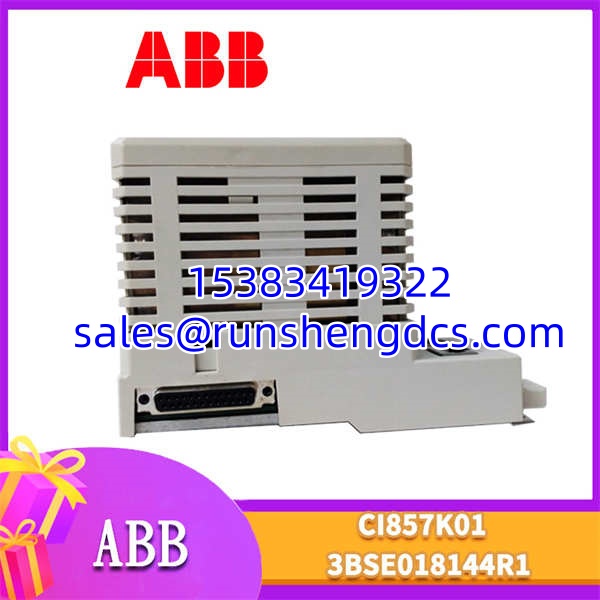
ABB CI857K01 3BSE018144R1
Application Scenarios
Motor Control Centers (MCC): VFDs and soft starters often communicate via Profibus DP. The polls these devices for speed, torque, and fault status. A failed module means the operator is blind to drive faults. Redundant pairs ensure MCC visibility even during a cable cut.
Remote I/O Stations: Field-mounted S800 I/O or third-party Profibus I/O rely on the for data exchange. In harsh environments, the module’s isolated bus protects the controller from ground loops. False I/O readings here can cause safety trips.
Valve Positioners: Smart valve positioners (e.g., Siemens SIPART) use Profibus for diagnostics. The captures partial stroke test data and friction trends. Without this data, you’re replacing valves based on guesses, not condition monitoring.
Case Study — Phantom Bus Fault: A power plant reported intermittent “Profibus Bus Fault” alarms on their 800xA system. The fault cleared after 5 seconds, then returned. Maintenance replaced the . Fault returned in 48 hours. Root cause: A loose shield connection at the last drop was causing EMI spikes that the interpreted as bus errors. The module was fine; the installation was marginal. Re-terminated the shield. System stable for 18 months. Lesson: Trust the diagnostics, but verify the installation.
FAQ
- The is a Profibus DP interface. The CI858K01 is a Profibus DP-V1/FMS interface with enhanced diagnostics and FMS support. They are not interchangeable. Verify your protocol requirement. If your devices only need DP-V0, the is sufficient. If you need FMS or advanced diagnostics, check if you actually need the CI858K01.
- Yes, the supports hot-swap in redundant configurations. The standby module takes over while you replace the faulty unit. In simplex configurations, hot-swap will cause a bus interruption. Always schedule a maintenance window for simplex replacements. Wear an ESD strap.
- How do I verify a 3BSE018144R1 is genuine?
Check the label for and 3BSE018144R1-800xA. Verify the ABB logo and the QR code. Genuine modules have high-quality DB9 connectors with gold-plated pins. Counterfeits often use cheap connectors that fail after thermal cycling. Buy from a supplier who tests Profibus bus integrity. - The supports up to 12 Mbps. However, the actual speed depends on cable length and device capabilities. For runs >100m, drop to 1.5 Mbps or 500 kbps. Verify your cable spec in the Profibus installation guide.
- No. The is designed for the AC 800M backplane. It uses proprietary signaling and power distribution. It will not work in standard Profibus DP masters like Siemens S7-300/400 or Allen-Bradley ControlLogix. Stick to AC 800M.
- The itself does not require a GSD file (it’s the master). However, every slave device on the bus requires a GSD file imported into Control Builder. If the module is healthy but slaves are red, check the GSD files.
- What happens if I install the wrong revision?
Worst case: The controller rejects the module with a “Hardware Mismatch” error. Best case: The module works but lacks certain features (e.g., redundancy support). Always match the 3BSE018144R1-800xA suffix exactly. Don’t guess.




