
Description
Key Technical Specifications
- Product Model: EST0240Z05WBX00
- Brand: Yamatake Corporation
- Product Family: EST series / Smart Terminal
- Product Type: Industrial smart terminal / operator terminal
- Primary Function: Local display, monitoring, operation, alarm viewing, and system communication
- Application Area: Industrial automation, plant monitoring, machine control panels, process control systems
- Communication Capability: Likely includes Ethernet or serial communication — confirm on nameplate and rear connector label
- Supported Protocols: Do not assume Modbus TCP/IP, Ethernet/IP, DF1, or ASCII without OEM documentation
- Display Type: Not confirmed from the part number alone
- Touch Function: Not confirmed; some Yamatake terminals have touch, others do not
- Mounting Style: Panel-mount / cabinet-mount terminal — verify mechanical cutout and mounting brackets
- Verification Required: Nameplate, firmware version, communication port type, cable connector, controller model, and application configuration
Product Introduction
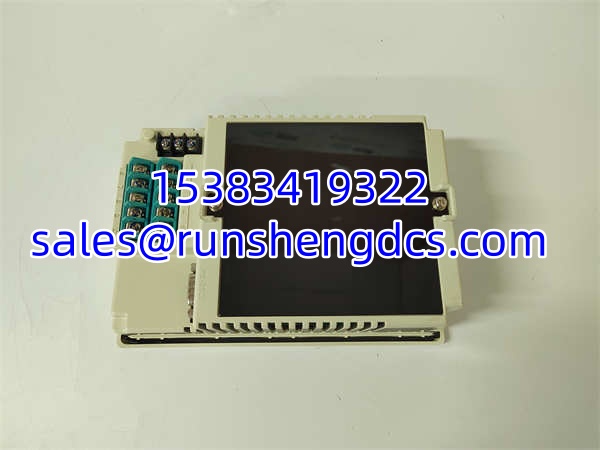
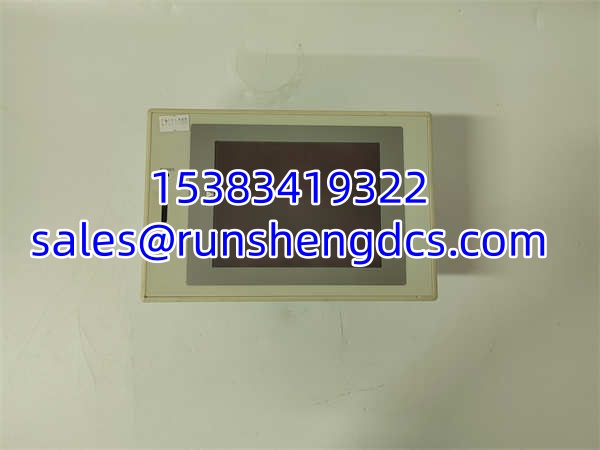
Open an older Yamatake control cabinet and the EST terminal is usually the local window into the process: operators read alarms, check setpoints, acknowledge trips, view status, and sometimes change operating modes. The YAMATAKE EST0240Z05WBX00 fits that role as a Yamatake Smart Terminal / EST-series terminal unit, not as a generic HMI or random Ethernet module.
For procurement, the real question is whether it matches the existing Yamatake system. Wrong firmware, wrong communication port, wrong screen type, or wrong controller mapping can make the terminal unusable — even if the model number looks correct. In legacy plants, “same model number” is not enough. The terminal must also talk to the existing controller and accept the existing project/configuration.
Troubleshooting Quick Reference
| Fault | Likely Cause | Quick Check | Fix |
|---|---|---|---|
| No power / blank screen | 24V DC supply missing, fuse open, wiring fault, terminal failure | Measure supply at terminal power input | Confirm correct voltage and polarity; check fuses and cables |
| Screen works but no data | Communication cable, port mismatch, wrong protocol, controller fault | Check communication LEDs and cable continuity | Verify port type; confirm controller port settings |
| Cannot download / configure | Firmware mismatch, wrong software version, locked configuration | Check engineering software and terminal firmware | Match terminal firmware to project; restore backup if available |
| Intermittent display or comms | Loose connector, damaged cable, EMI, aging power supply | Inspect connectors and cable routing | Reseat connectors; separate communication and power cables |
| Touch not responding | Touch panel fault, calibration issue, display failure | Test touch areas and calibration menu if available | Recalibrate if supported; replace if touch layer is failed |
| Controller shows no terminal | Wrong address, wrong protocol, communication parameter mismatch | Compare terminal settings with controller project | Match node address, port, baud rate, or IP settings |
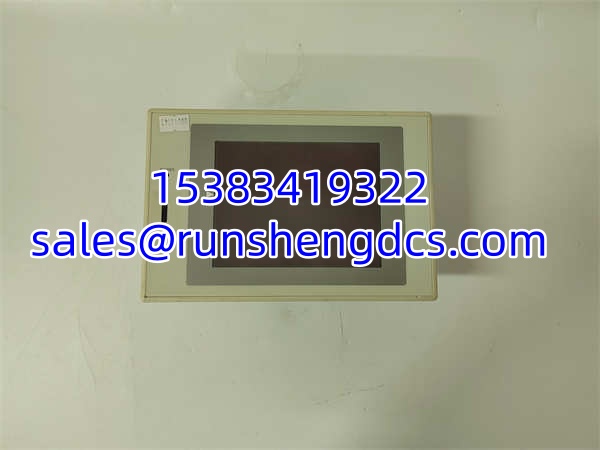
YAMATAKE EST0240Z05WBX00
Application Scenarios & Pain Points
- Legacy Yamatake control panels: Used as the local operator interface for older automation systems. Pain point: spare terminals must match firmware and communication type.
- Process control cabinets: Displays process values, alarms, and operating status. Pain point: wrong configuration can hide alarms or block operator changes.
- Machine control panels: Provides local monitoring for pumps, valves, conveyors, or auxiliary systems. Pain point: mechanical mounting and connector type must match the existing cutout.
- Plant maintenance / replacement projects: Used when replacing a failed EST terminal without rebuilding the full control system. Pain point: surplus units often lack firmware or project backups.
- SCADA / PLC front-end terminals: Acts as a local HMI connected to a PLC, DCS, or controller. Pain point: protocol and addressing must match the controller project.